


LinkedIn Industry
Finder
Free tool to find the right LinkedIn industry for your profile. Describe what you do and get matched to the closest option from LinkedIn's official list of 289 industries across 20 sectors. Picking the right one affects how recruiters find you and who sees your content.
.svg)
Frequently asked questions
What is AuthoredUp?
AuthoredUp is an all-in-one app for content creation on LinkedIn, available as a Chrome extension and web platform. It is crafted for everyone eager to sharpen their personal brand, not just professional copywriters. And the best thing, it is not taking a cookie or doing automation on LinkedIn.
AuthoredUp is versatile, supporting both personal profiles and company pages. Interested? Sign up here and begin with a 14-day free trial, no credit card necessary.
How do I use this LinkedIn industry finder?
Type a short description of what you do or what your company does. The tool matches your description to the closest industry from LinkedIn's official list of 289 industries. You'll see the suggested industry along with its sector, so you can update your profile with the right one.
Is this tool free?
Yes, completely free. No account needed, no limits on how many times you use it. Your data stays in your browser, and we don't collect or store anything.
How many industries does LinkedIn have?
LinkedIn has 289 industries organized under 20 sectors. The system follows the North American Industry Classification System (NAICS) structure, introduced after Microsoft acquired LinkedIn in 2016. You can only select one industry per profile, so picking the right one matters.
How do I change my industry on LinkedIn?
On desktop: go to your profile, click the pencil icon in the intro section, find the Industry field, type your industry and select it from the dropdown. On mobile: open the app, tap your profile, tap the pencil icon, scroll to Industry, search and select. For company pages: Edit Page, then Company Details, then Industry. For a full profile walkthrough, see our guide on how to optimize your LinkedIn profile.
Does my LinkedIn industry affect who sees my content?
Yes. LinkedIn uses your industry setting for recruiter search filters, Sales Navigator targeting, and content distribution signals. Recruiters filter candidates by industry, if yours is wrong or vague, you won't appear in their searches. Your industry also influences which professionals LinkedIn suggests your posts to.
What if no LinkedIn industry fits my role?
Pick the closest match based on your primary audience or the recruiters you want to find you. If you're a freelance content marketer serving SaaS companies, "Technology, Information and Media" or "Advertising Services" both work, choose the one where your target clients or employers search. The tool can help you narrow it down.
What industry should I pick if I work across multiple industries?
Pick the one that matches your target client or employer, not the one that covers everything you do. Freelancers and consultants get better results choosing the industry of the people they want to hire them, not the industry of their work.
Other free tools
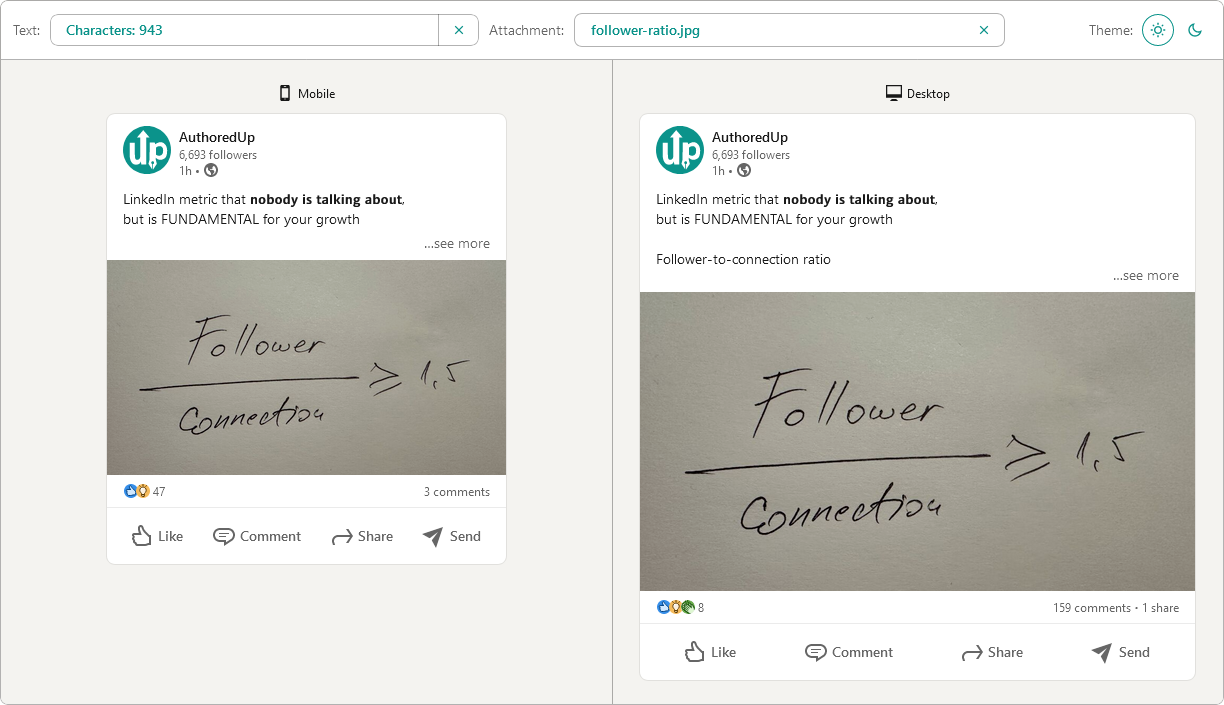
Post preview generator
Paste the text, choose the post type and see how it will look on desktop and mobile screen.


Text staircase tool
Free tool to help you reorder your LinkedIn content, and stand out in the feed.
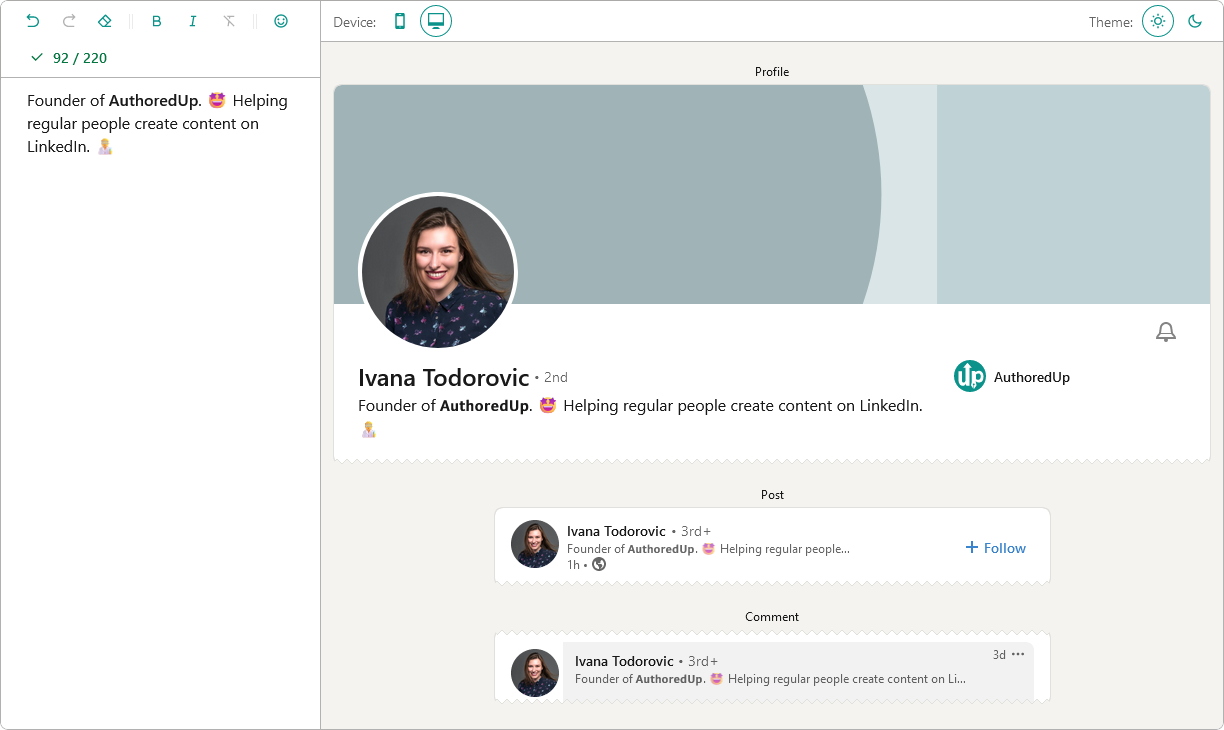
LinkedIn headline writer
Optimize your LinkedIn headline to stand out in the feed. Turn lurkers into visitors, and visitors into leads.
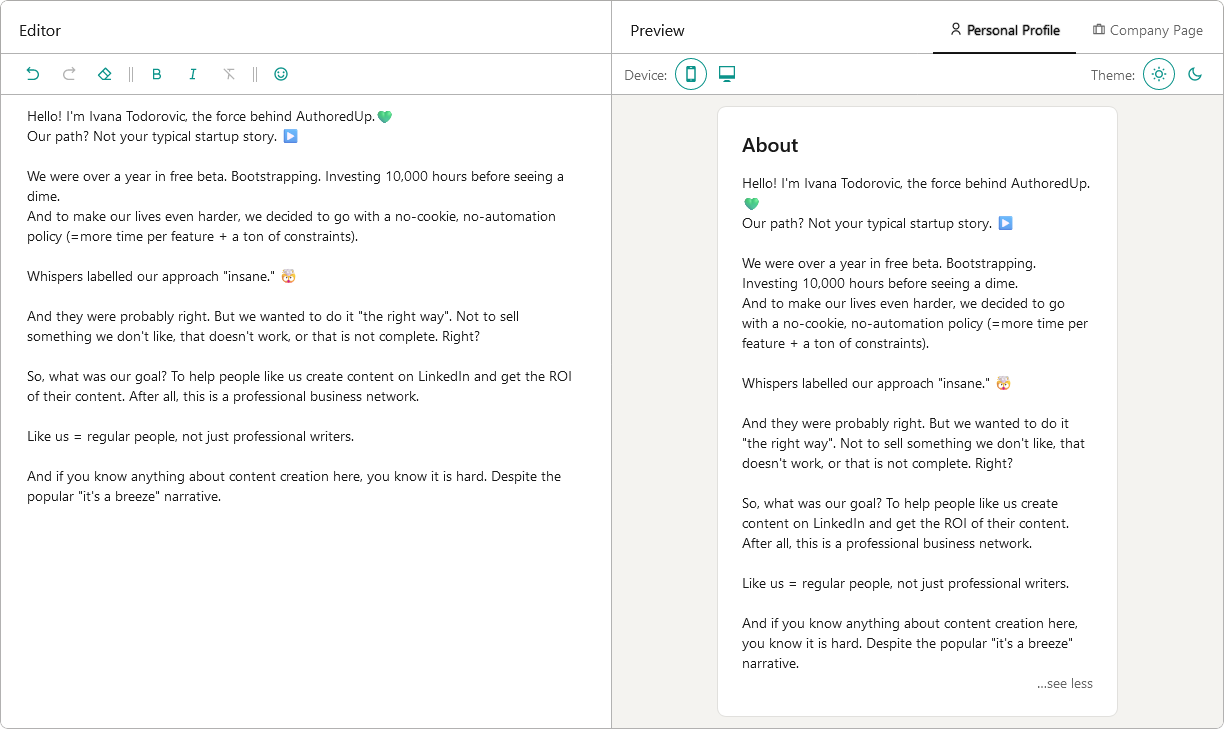
About me writer tool
Free tool to write, edit and preview About me section and Company page description on LinkedIn™.
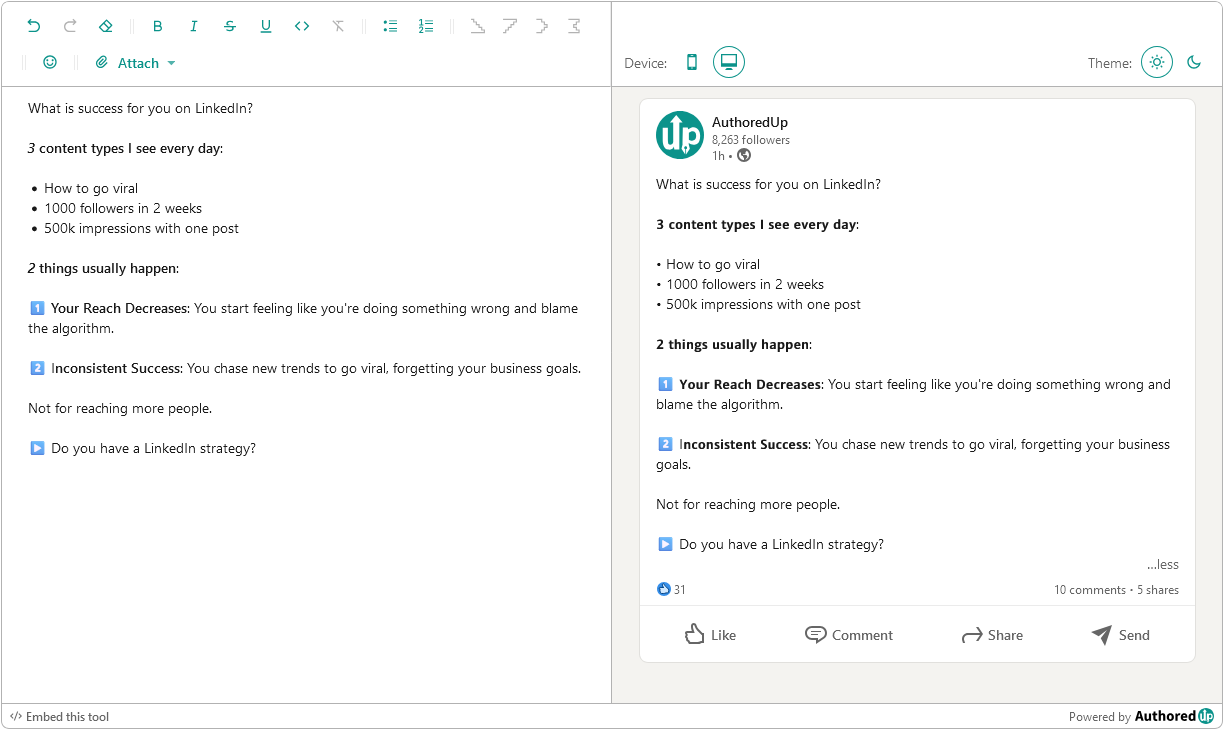
LinkedIn Text Formatter
Transform your posts using various formatting styles like bold, italic, bullet points, and numbered lists with this free tool.
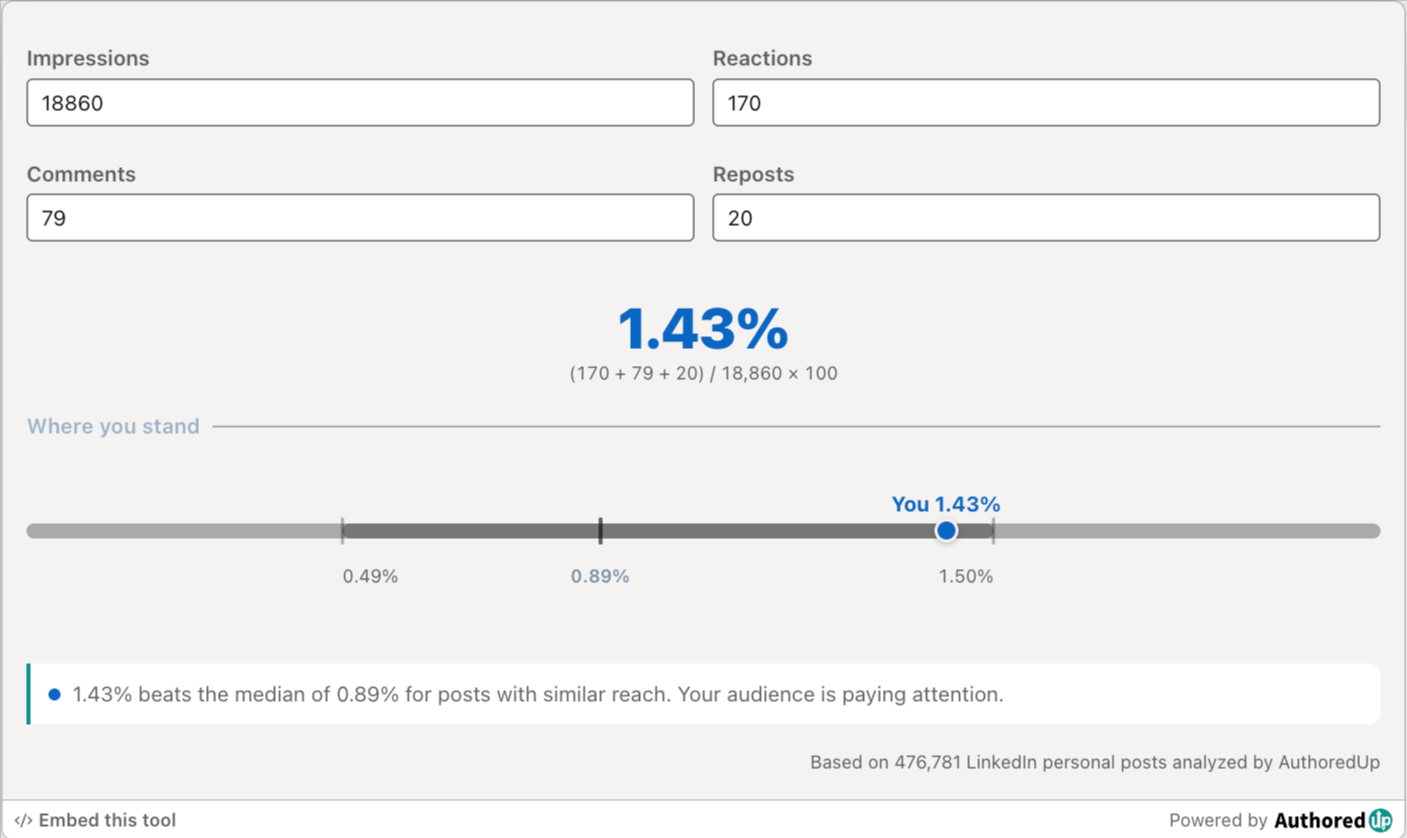
LinkedIn engagement rate calculator
Enter your post stats and see your LinkedIn engagement rate, plus how it compares to real benchmarks.
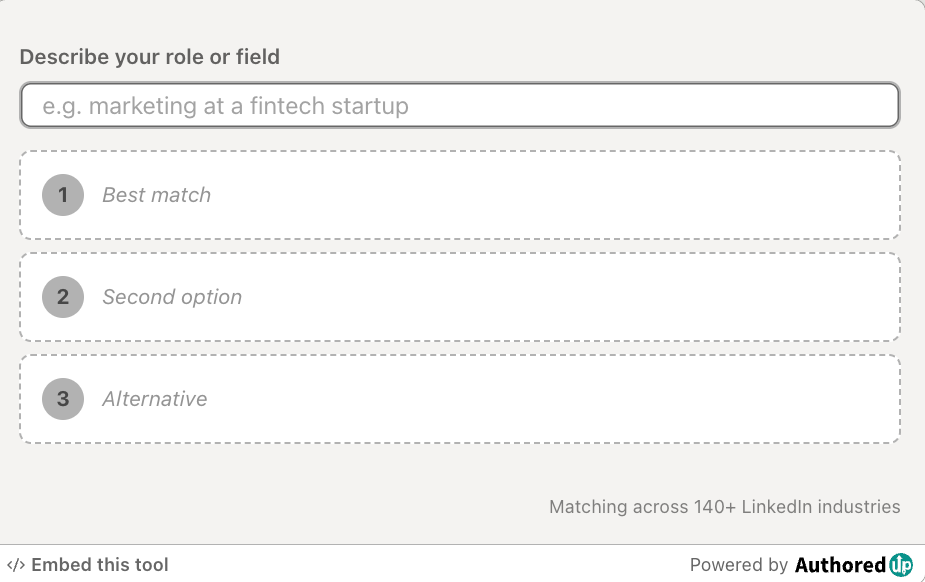
LinkedIn industry finder
Describe what you do and find the right LinkedIn industry for your profile from the official list of 289 options.
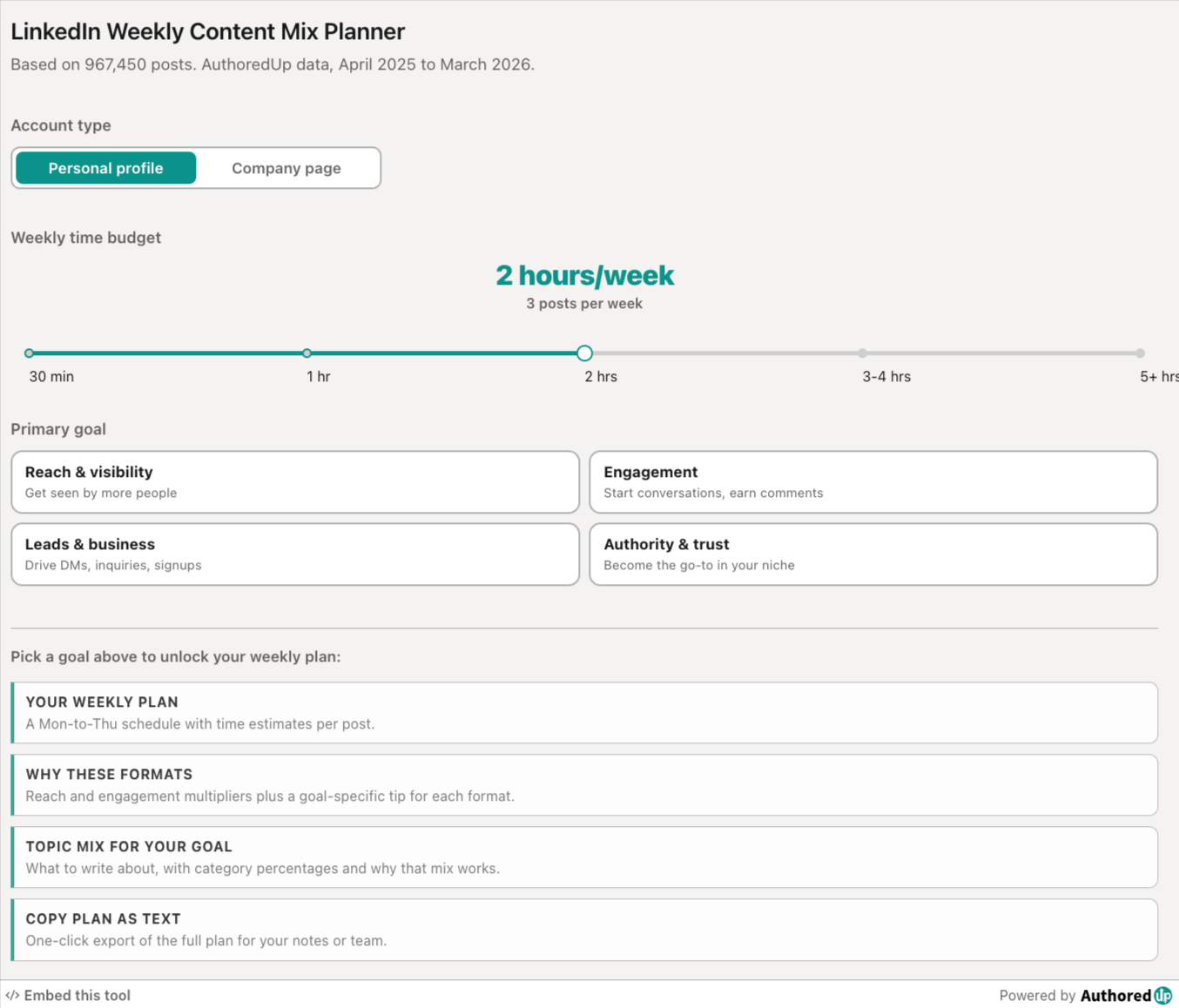
LinkedIn weekly content mix planner
Pick your goal and time budget, get a weekly LinkedIn posting plan with the right format and topic mix.
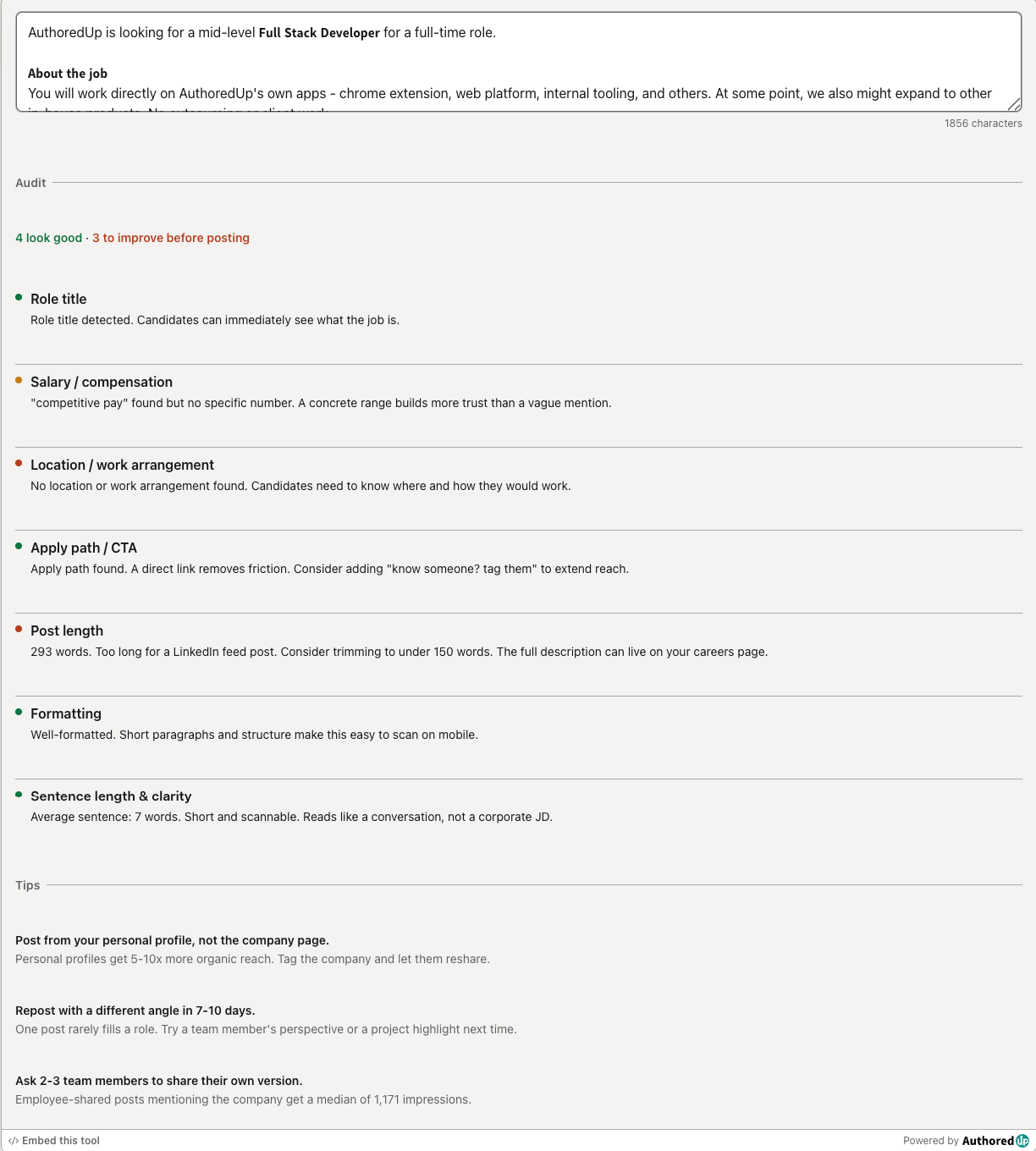
LinkedIn hiring post audit
Paste your LinkedIn hiring post and score it across the 7 elements that drive more applications.
LinkedIn Image Size Checker
Drop in an image or type its dimensions to check it against LinkedIn's real specs for posts, banners and covers.
Create your account today
Create and analyze your LinkedIn™ content in clicks, not hours.
100% secure. No automation. No cookies.