


LinkedIn Image Size Checker
Free tool to check any LinkedIn image against the platform's real specs: banner, post image, profile photo, or company page cover. Drop in your file or type the dimensions, and see how your image's shape compares to 368,000+ posts we measured for engagement.
One post tells you one thing.
Your page tells you the pattern.
.svg)
Frequently asked questions
What is AuthoredUp?
AuthoredUp is an all-in-one app for content creation on LinkedIn, available as a Chrome extension and web platform. It is crafted for everyone eager to sharpen their personal brand, not just professional copywriters. And the best thing, it is not taking a cookie or doing automation on LinkedIn.
AuthoredUp supports both personal profiles and company pages. Interested? Sign up here and begin with a 14-day free trial, no credit card necessary.
How to use LinkedIn image size checker?
Pick where the image is going: a post, your banner, your profile photo or a company page cover. The tool shows the recommended dimensions, aspect ratio and max file size for that slot. Drop in your image or type its dimensions if you don't have the file handy, and you'll get a pass/fail against LinkedIn's own numbers. For post images, you'll also see how your shape compares to real engagement data from hundreds of thousands of posts.
Is this tool free?
Yes, completely free. No account needed, no limits on how many times you use it. Your image never leaves your browser, and we don't collect or store anything.
What size should a LinkedIn banner be?
For a personal profile, LinkedIn recommends 1,584 × 396px, under 8 MB, as a JPG or PNG. For a company page cover, the spec is different: 4,200 × 700px, max 3 MB. Several tools and guides online list 1,128 × 191px as a company page banner size. That figure doesn't appear anywhere in LinkedIn's own documentation. The actual 1,128px figure belongs to a different module (the Life tab main image, at 1,128 × 376px), not the page cover.
What size should a LinkedIn post image be?
LinkedIn's own guidance for a photo post is 1,080px wide, with an aspect ratio between 3:1 and 4:5. Anything outside that range gets centered and cropped, and in a multi-photo post the first image's orientation sets the layout for every image after it. A lot of formatting guides recommend 1,200 × 627px landscape instead. That number is real, but it's LinkedIn's spec for the link-preview card on Company Page posts that include a URL, not for a photo post. LinkedIn's own help page says explicitly that spec doesn't apply to image-only posts. Worth knowing before you build a post around it.
What size should a LinkedIn profile photo or company page logo be?
LinkedIn doesn't publish an official dimension for personal profile photos, despite what a lot of guides claim with confidence. For a company page logo, there is a published spec: 400 × 400px recommended, 268 × 268px minimum. Where LinkedIn hasn't stated a number, this tool follows common industry guidance and tells you so instead of presenting a guess as fact.
Does image shape affect how many people see my post?
Yes, and the gap is bigger than most guides suggest. Across 368,489 single-image posts, portrait images earn a 2.83% median engagement rate, against 2.54% for square and 2.14% for landscape. That puts portrait 32% ahead of landscape. Portrait is also the most common shape already, at 44.5% of posts, so the crowd and the data agree here. If your image doesn't have to be a specific shape for the content, 1,080 × 1,350px portrait is the safer default.
Other free tools
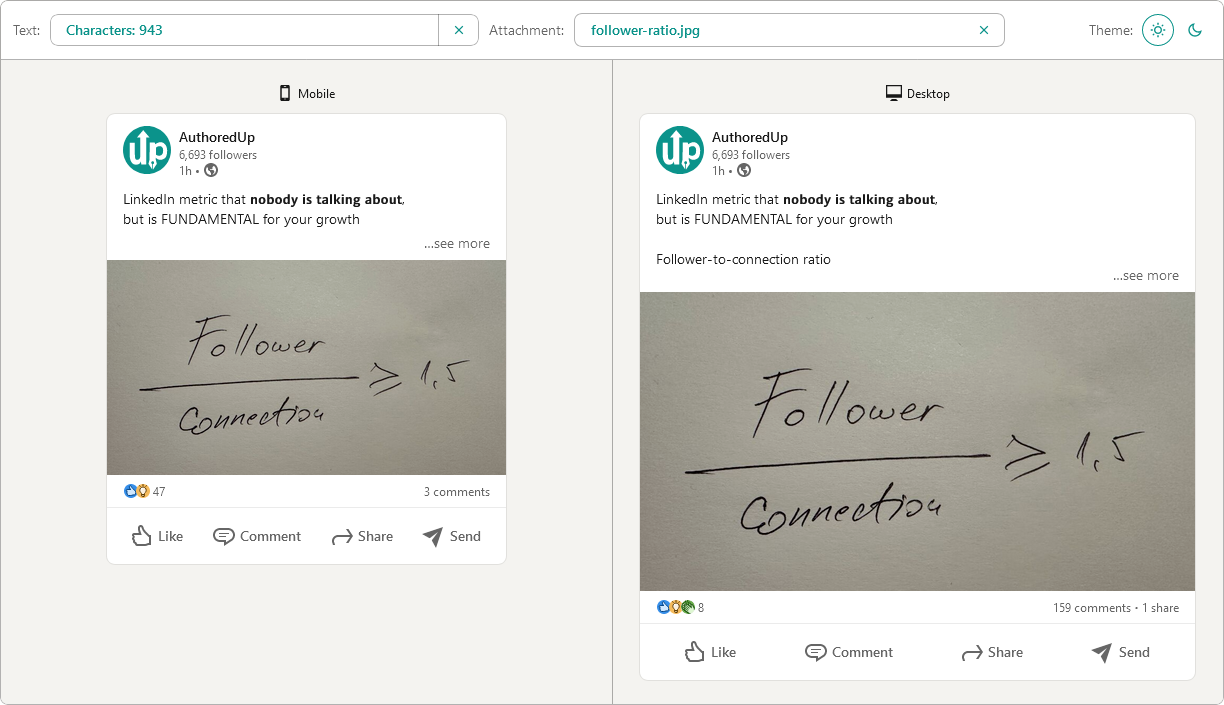
Post preview generator
Paste the text, choose the post type and see how it will look on desktop and mobile screen.


Text staircase tool
Free tool to help you reorder your LinkedIn content, and stand out in the feed.
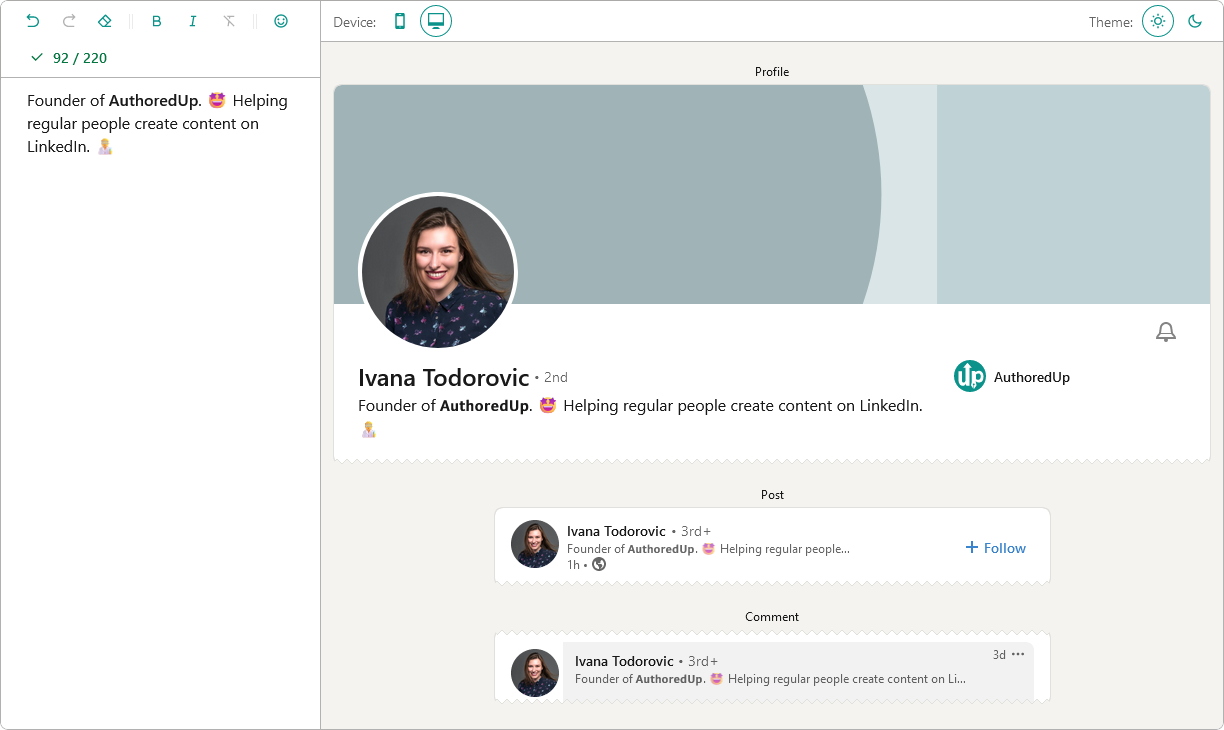
LinkedIn headline writer
Optimize your LinkedIn headline to stand out in the feed. Turn lurkers into visitors, and visitors into leads.
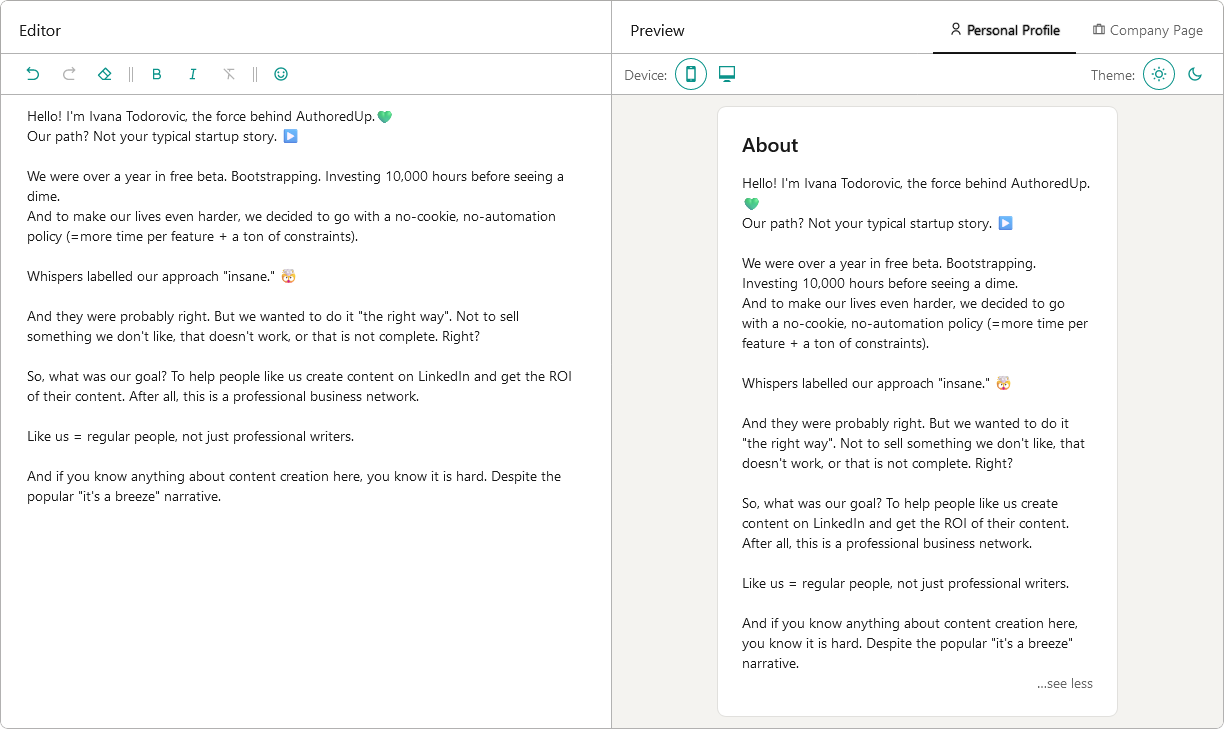
About me writer tool
Free tool to write, edit and preview About me section and Company page description on LinkedIn™.
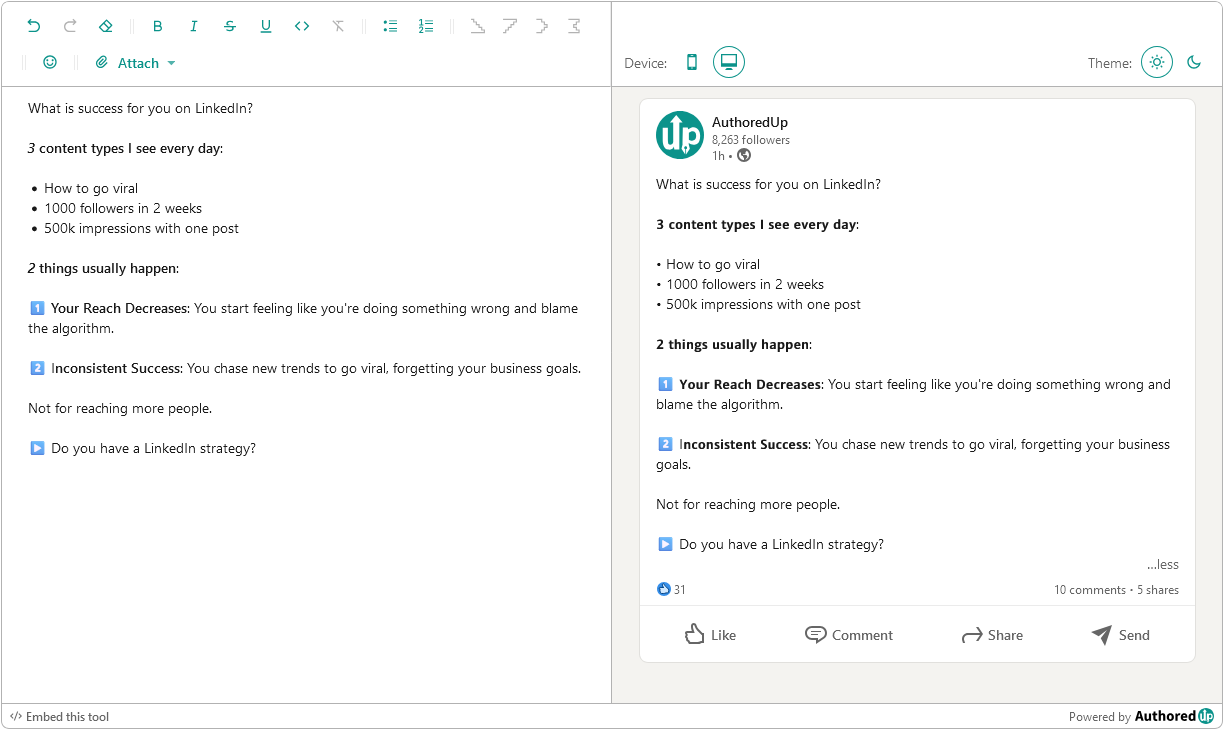
LinkedIn Text Formatter
Transform your posts using various formatting styles like bold, italic, bullet points, and numbered lists with this free tool.
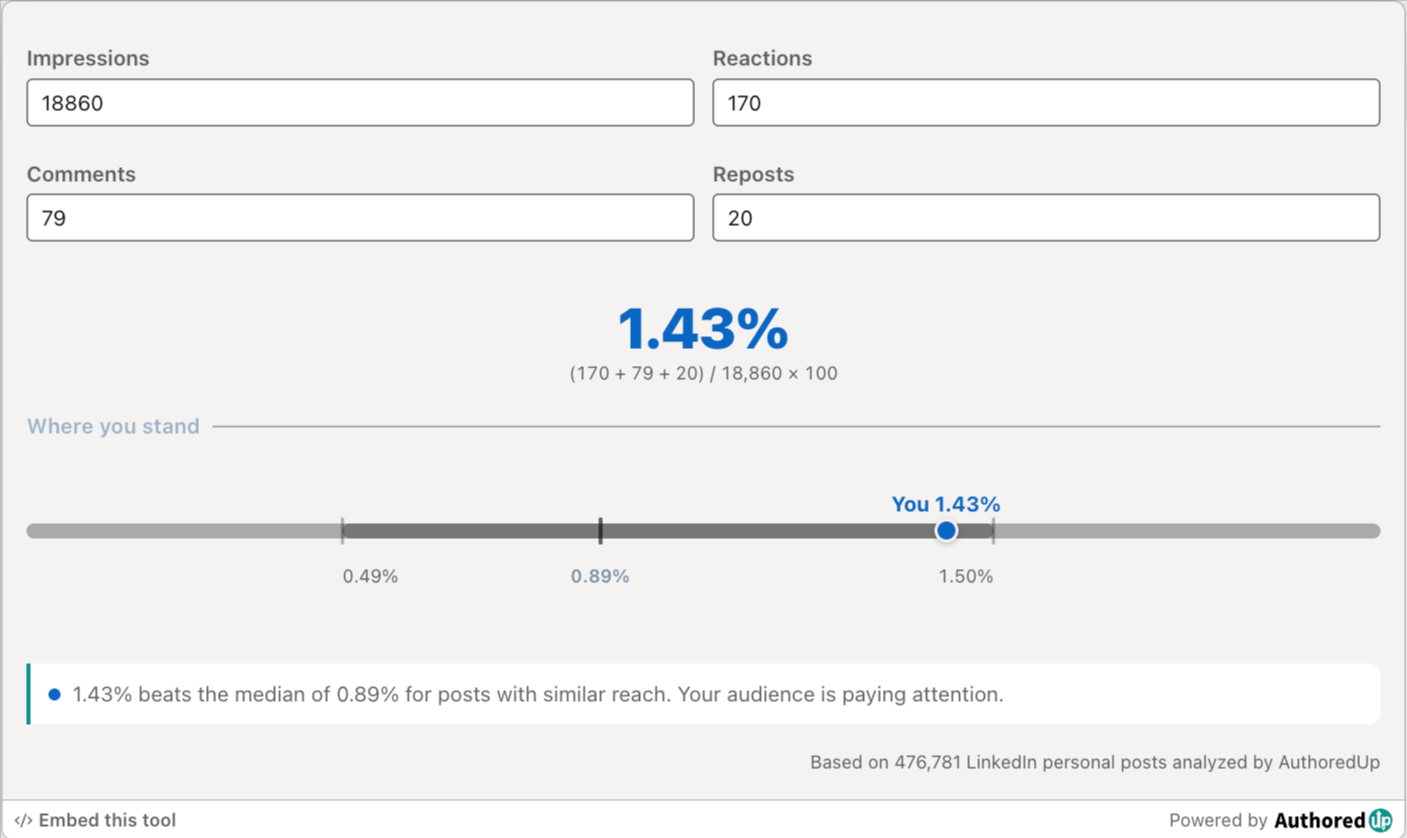
LinkedIn engagement rate calculator
Enter your post stats and see your LinkedIn engagement rate, plus how it compares to real benchmarks.
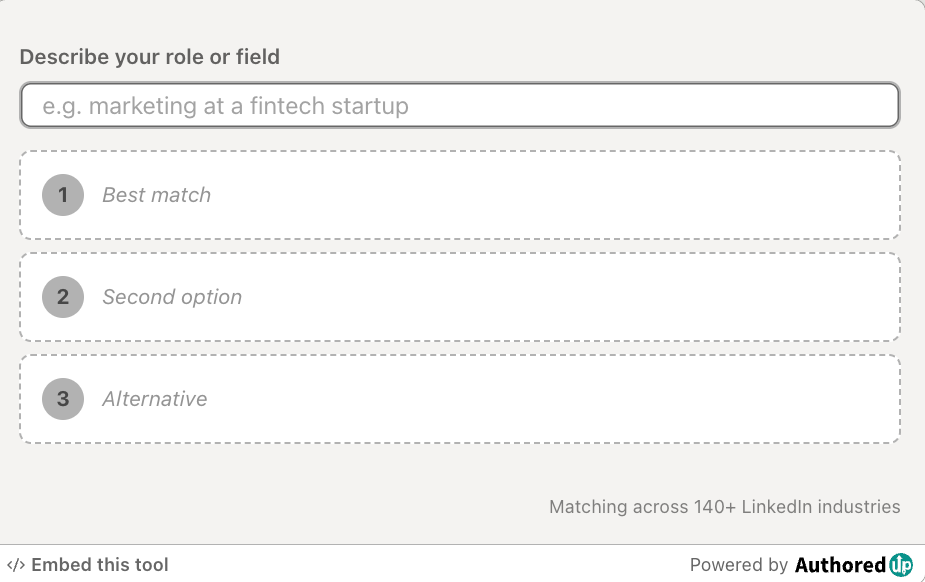
LinkedIn industry finder
Describe what you do and find the right LinkedIn industry for your profile from the official list of 289 options.
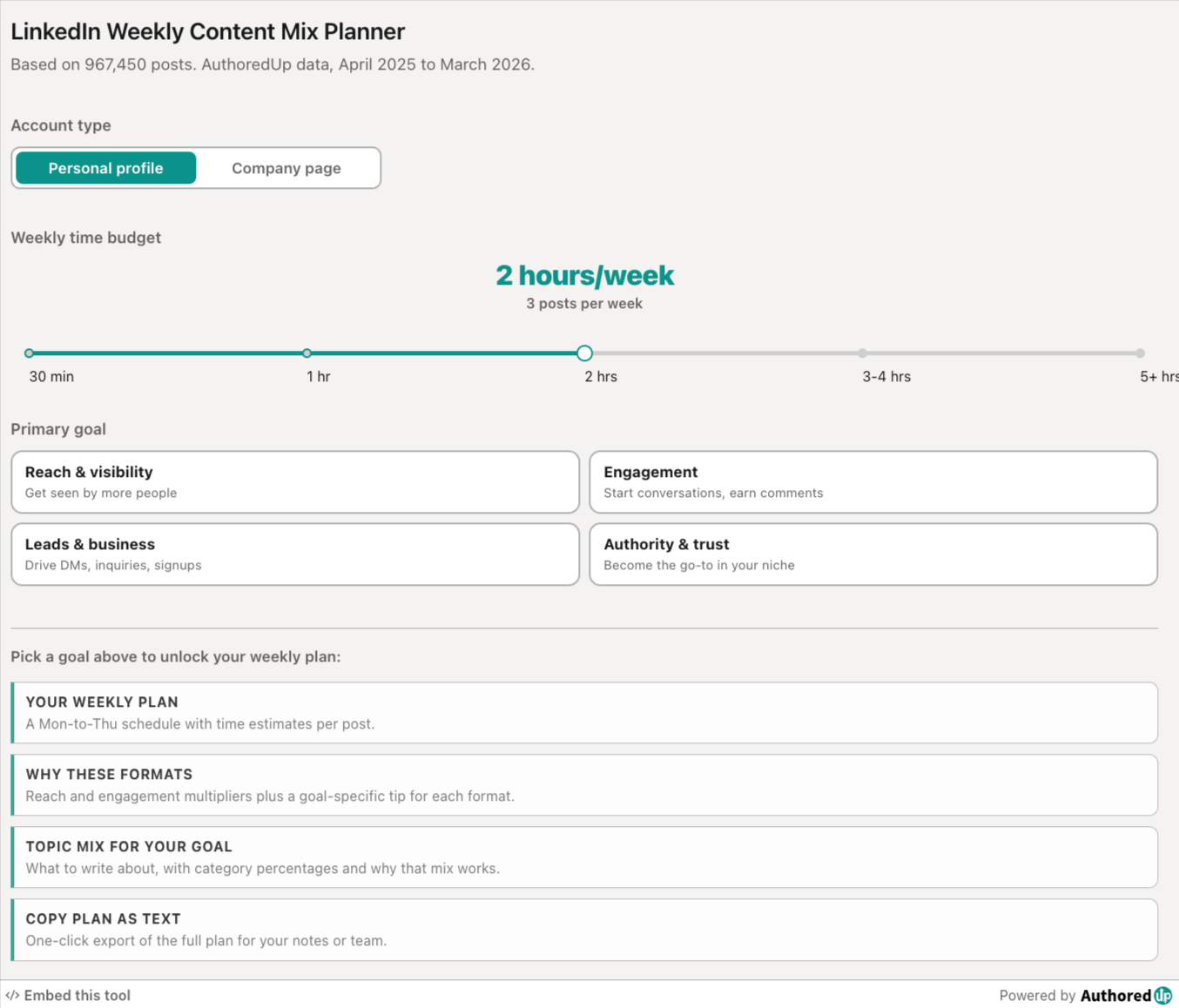
LinkedIn weekly content mix planner
Pick your goal and time budget, get a weekly LinkedIn posting plan with the right format and topic mix.
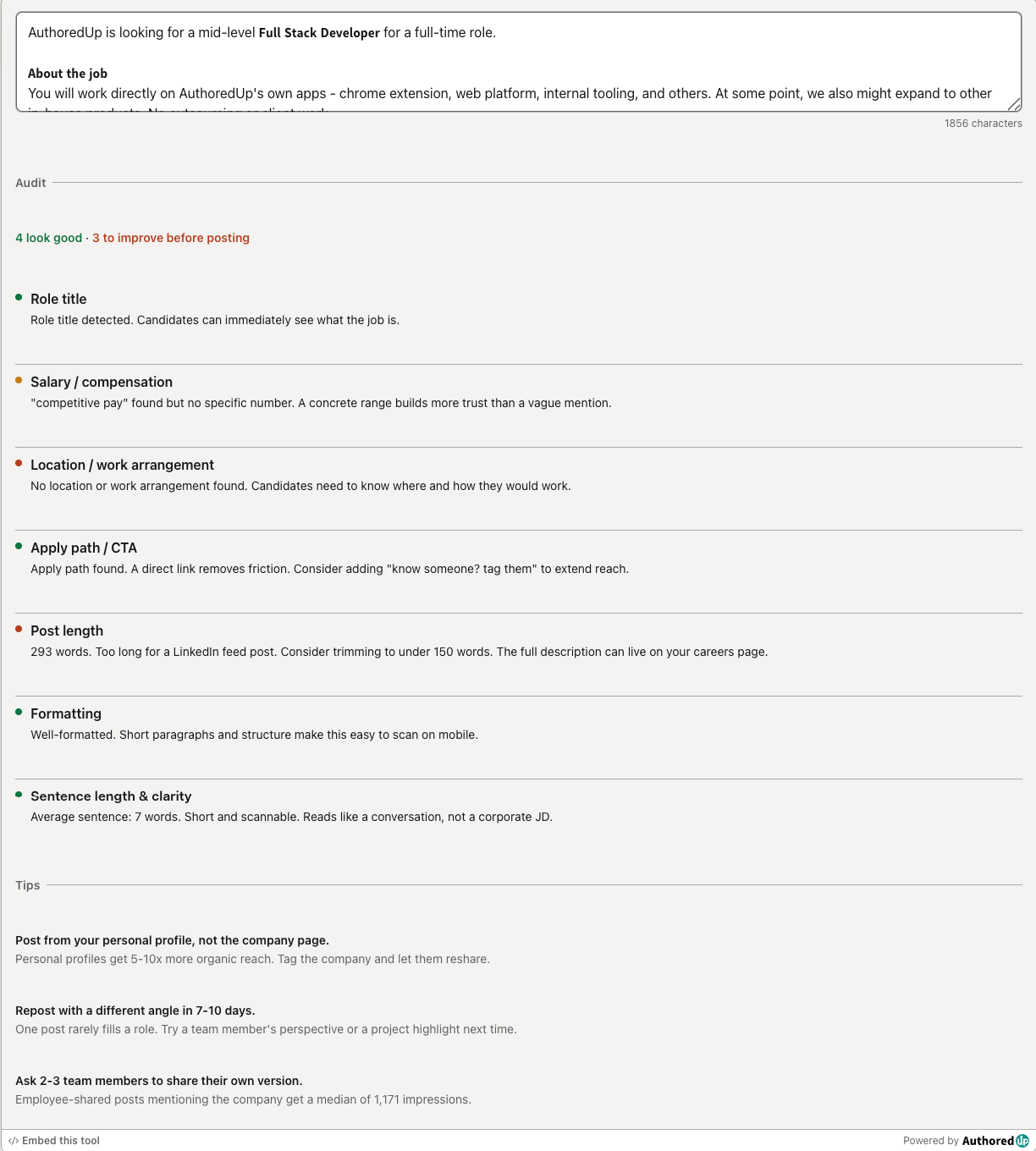
LinkedIn hiring post audit
Paste your LinkedIn hiring post and score it across the 7 elements that drive more applications.
LinkedIn Image Size Checker
Drop in an image or type its dimensions to check it against LinkedIn's real specs for posts, banners and covers.
Create your account today
Create and analyze your LinkedIn™ content in clicks, not hours.
100% secure. No automation. No cookies.