


LinkedIn Hiring
Post Audit
Free tool to score your LinkedIn hiring post before you publish it. Paste your draft, get instant feedback on 7 elements that determine whether candidates apply or scroll past. Built on data from 143,000+ real LinkedIn hiring posts.
Go beyond a single audit and build
hiring posts that consistently perform
.svg)
Frequently asked questions
What is AuthoredUp?
AuthoredUp is an all-in-one app for content creation on LinkedIn, available as a Chrome extension and web platform. It is crafted for everyone eager to sharpen their personal brand, not just professional copywriters. And the best thing, it is not taking a cookie or doing automation on LinkedIn.
AuthoredUp is versatile, supporting both personal profiles and company pages. Interested? Sign up here and begin with a 14-day free trial, no credit card necessary.
How do I use this hiring post audit tool?
Paste your hiring post draft into the text field. The tool scores it across 7 elements that real candidates look for: role title, compensation, location and work arrangement, a clear way to apply, post length, formatting, and sentence clarity. You get results instantly — no signup needed.
Is this tool free?
Yes, completely free. No account needed, no limits on how many times you use it. Your data stays in your browser and we don't collect or store anything you paste.
What makes a LinkedIn hiring post different from a job listing?
A hiring post is an organic feed post written in your own voice. It reaches your network (and their connections) at no cost. A job listing goes through LinkedIn's Jobs platform, it has a formal application flow and can be paid to reach more candidates. Posts from personal profiles get 74% more reach than company page posts (751 vs. 431 median impressions), based on AuthoredUp's analysis of 143,000+ hiring posts.
Why does compensation transparency matter in hiring posts?
Posts that include salary or compensation details remove the biggest reason candidates hesitate to apply. When people see the range upfront, they self-qualify — you get fewer unmatched applications and more serious candidates. It also signals that your company values transparency, which matters to the exact people you want to hire.
How long should a LinkedIn hiring post be?
The sweet spot is 100 to 200 words. You can go up to 300, but engagement drops after that. Short enough to read in the feed without expanding, detailed enough to answer the questions candidates actually have: what's the role, what do they get, and how do they apply.
Should I post hiring announcements from my personal profile or company page?
Personal profile. The data is clear: personal profiles reach 74% more people than company pages for hiring posts. People engage with people. Post from your own account, mention the company name, and tag 2-3 team members. If your team members reshare with a personal note, each share reaches a new network segment. For more inspiration on what to post, see LinkedIn Post Ideas for Recruiters.
How often should I repost the same hiring announcement?
Repost 7–10 days later with a different angle, such as a team member's perspective, a project detail, or an application update. Each angle reaches a different slice of your network without feeling repetitive.
Other free tools
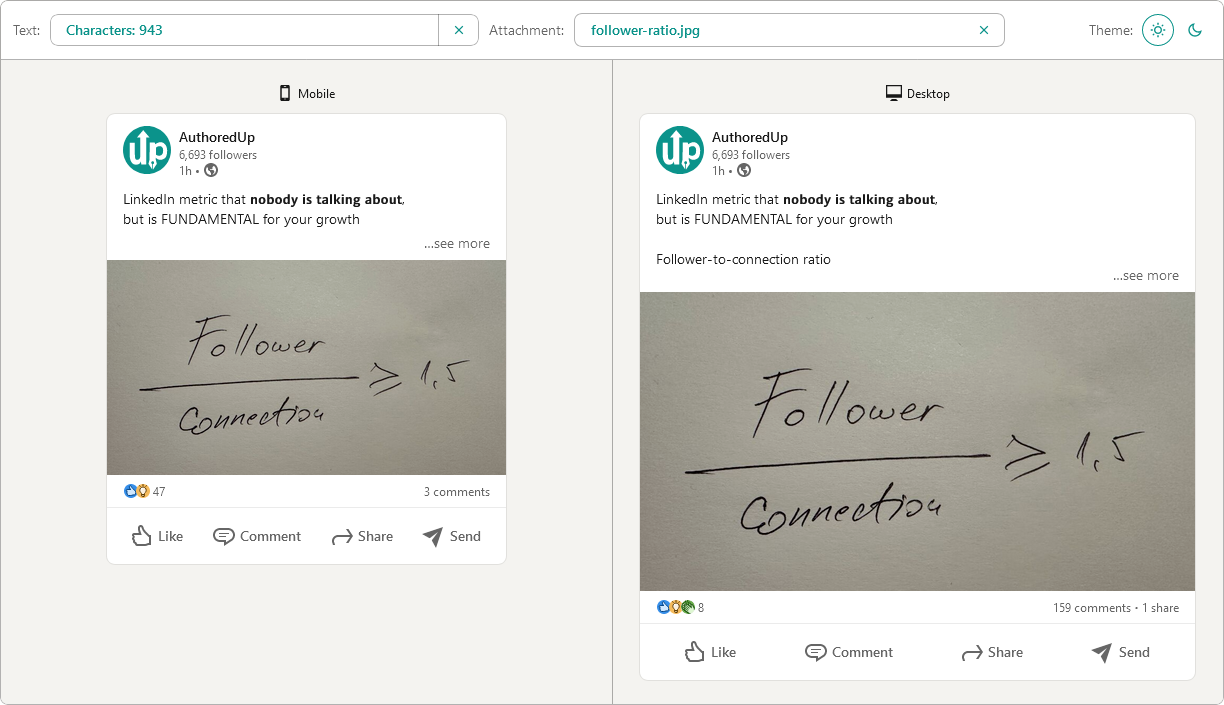
Post preview generator
Paste the text, choose the post type and see how it will look on desktop and mobile screen.


Text staircase tool
Free tool to help you reorder your LinkedIn content, and stand out in the feed.
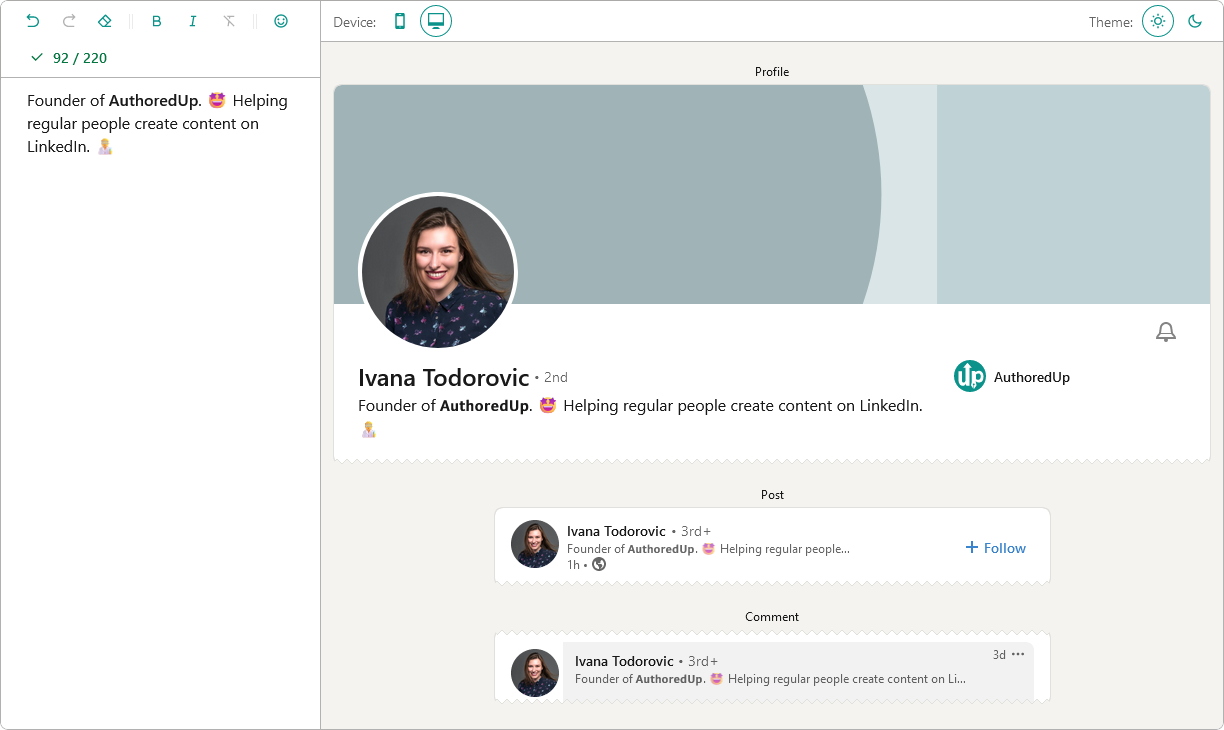
LinkedIn headline writer
Optimize your LinkedIn headline to stand out in the feed. Turn lurkers into visitors, and visitors into leads.
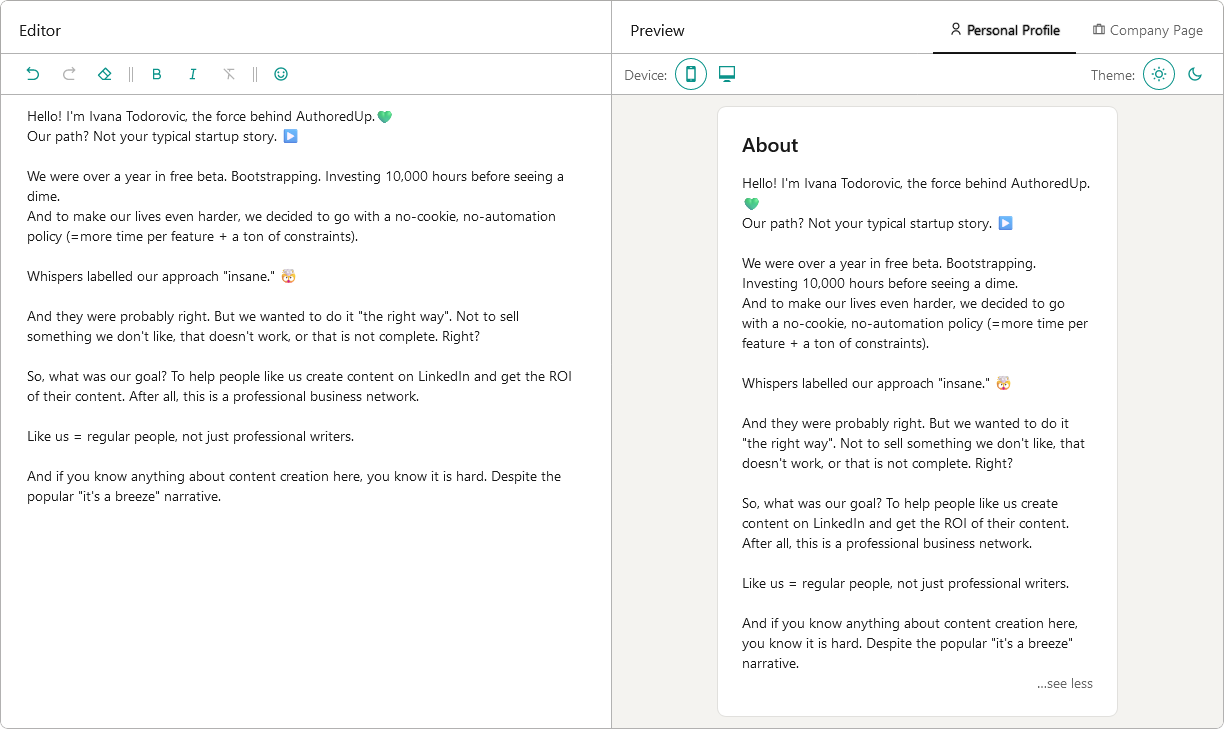
About me writer tool
Free tool to write, edit and preview About me section and Company page description on LinkedIn™.
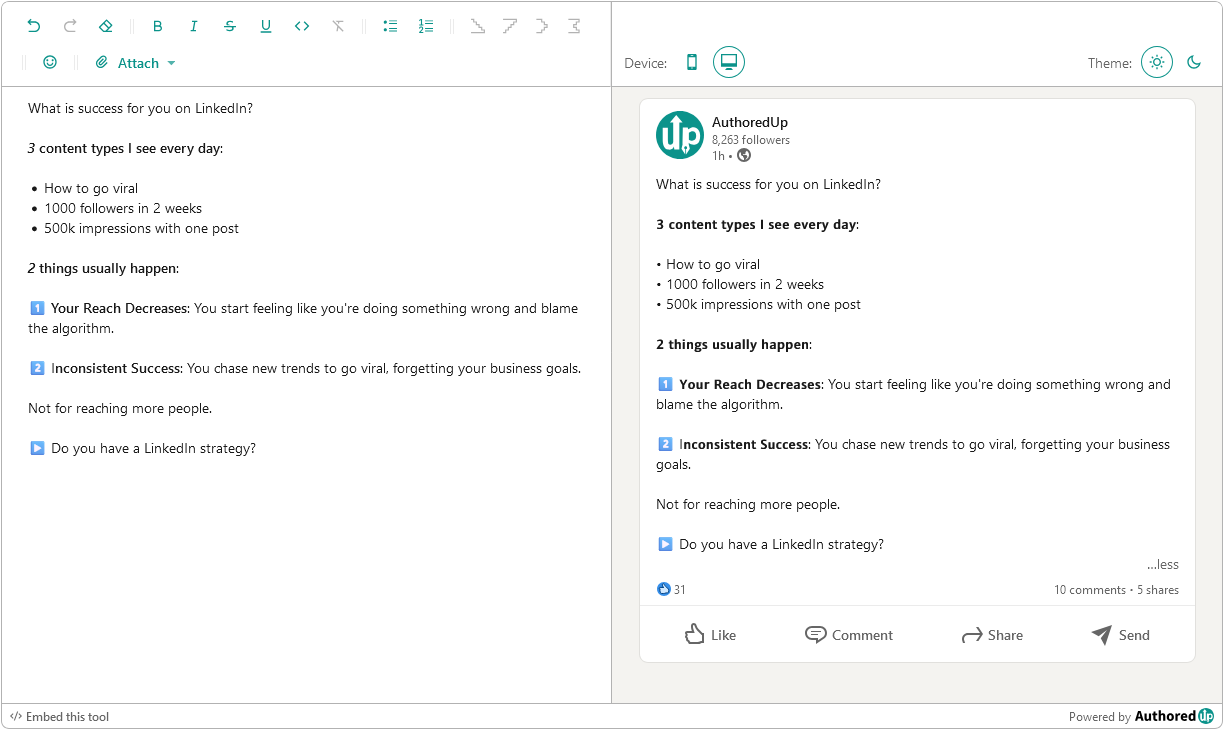
LinkedIn Text Formatter
Transform your posts using various formatting styles like bold, italic, bullet points, and numbered lists with this free tool.
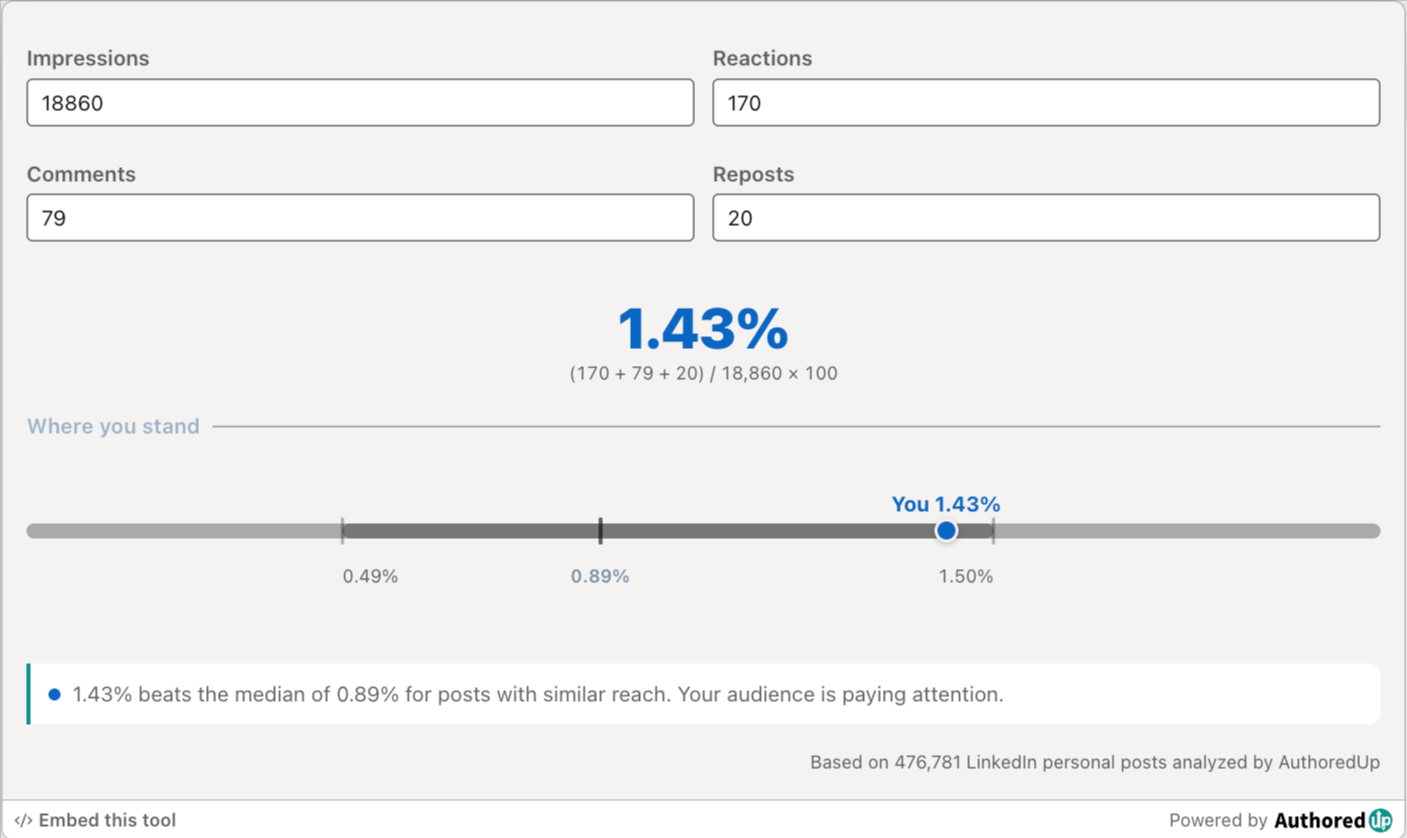
LinkedIn engagement rate calculator
Enter your post stats and see your LinkedIn engagement rate, plus how it compares to real benchmarks.
LinkedIn industry finder
Describe what you do and find the right LinkedIn industry for your profile from the official list of 289 options.
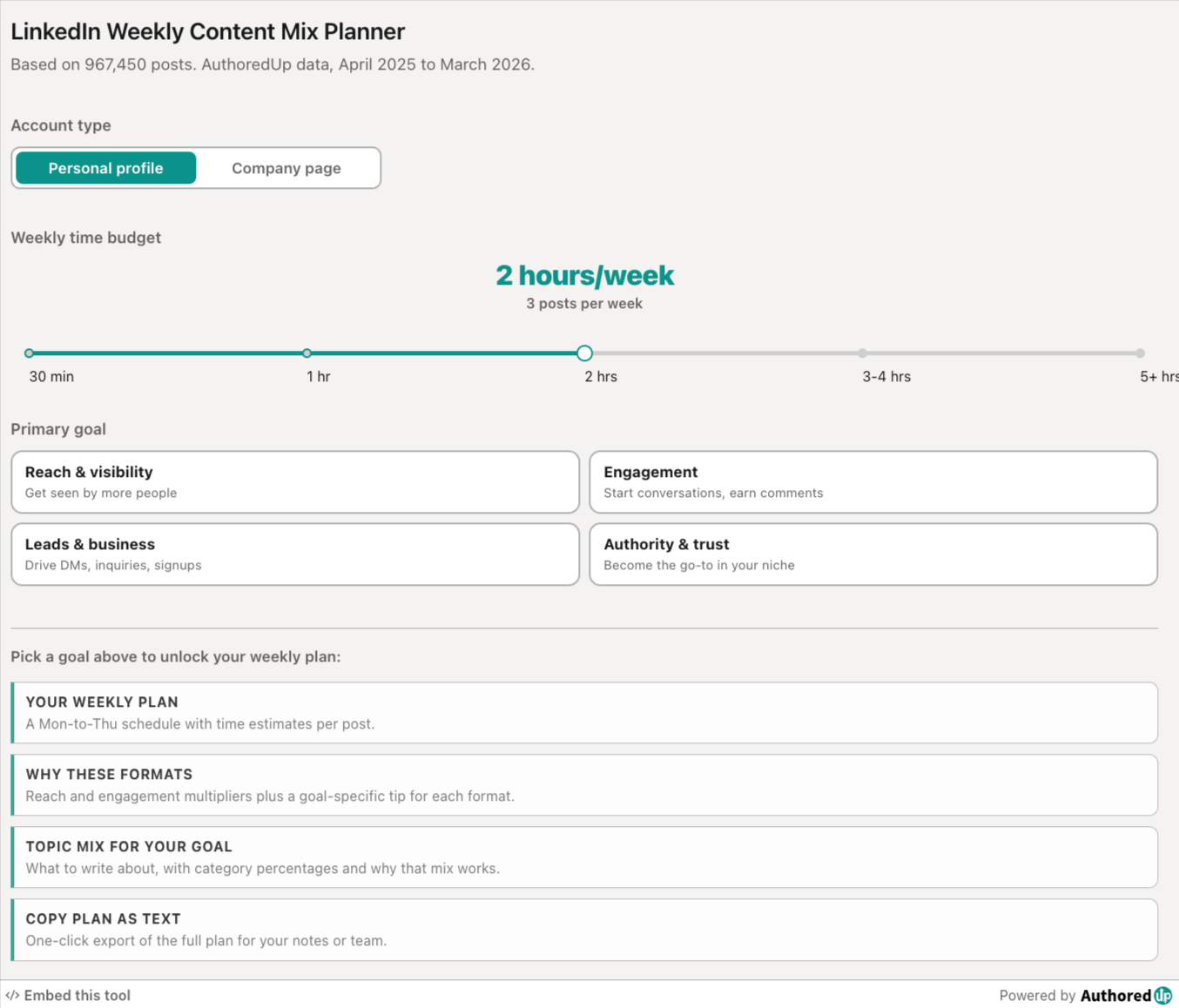
LinkedIn weekly content mix planner
Pick your goal and time budget, get a weekly LinkedIn posting plan with the right format and topic mix.
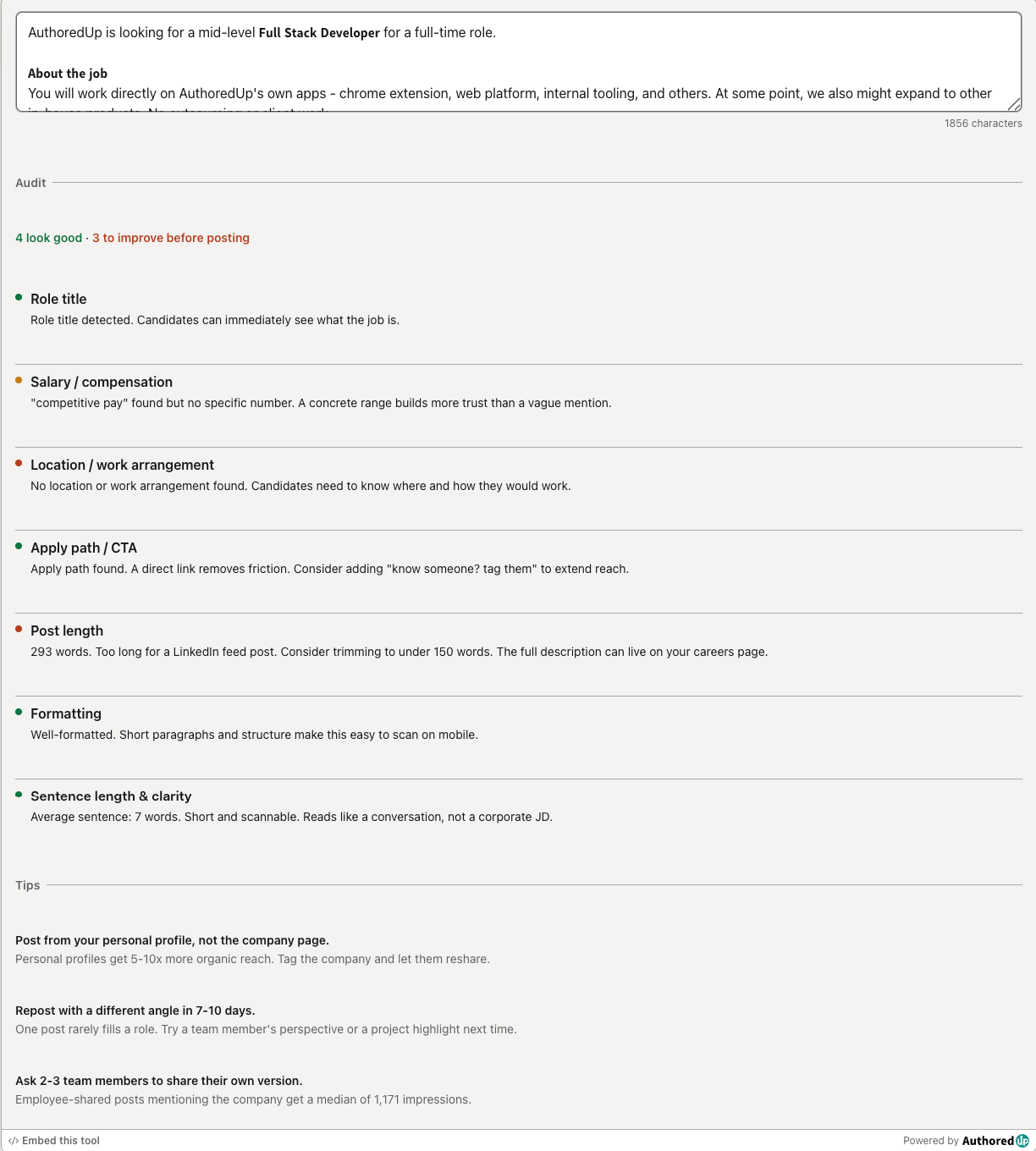
LinkedIn hiring post audit
Paste your LinkedIn hiring post and score it across the 7 elements that drive more applications.
LinkedIn Image Size Checker
Drop in an image or type its dimensions to check it against LinkedIn's real specs for posts, banners and covers.
Create your account today
Create and analyze your LinkedIn™ content in clicks, not hours.
100% secure. No automation. No cookies.