


LinkedIn Engagement
Rate Calculator
Free tool to calculate engagement rate for your LinkedIn posts using the impression-based formula — the same method LinkedIn uses internally. Enter your post numbers, get your rate, and see how it compares to real benchmarks from 476,000+ posts.
Go beyond single-post math
and track your engagement over time
.svg)
Frequently asked questions
What is AuthoredUp?
AuthoredUp is an all-in-one app for content creation on LinkedIn, available as a Chrome extension and web platform. It is crafted for everyone eager to sharpen their personal brand, not just professional copywriters. And the best thing, it is not taking a cookie or doing automation on LinkedIn.
AuthoredUp is versatile, supporting both personal profiles and company pages. Interested? Sign up here and begin with a 14-day free trial, no credit card necessary.
How do I use this engagement rate calculator
Enter the number of reactions, comments, and reposts your post received, then enter the number of impressions. The tool calculates your engagement rate using the formula: (Reactions + Comments + Reposts) / Impressions x 100. You'll also see how your rate compares to benchmarks from real LinkedIn data.
Is this tool free?
Yes, completely free. No account needed, no limits on how many times you use it. Your data stays in your browser, and we don't collect or store anything.
Does engagement rate drop as your follower count grows?
Yes, and the data is consistent. AuthoredUp's analysis of 372,812 personal profile posts shows engagement rates stay stable (around 2.5–2.7% median) from 0 to 20,000 followers, then decline to 1.78% at 50,000+ and 1.53% above 100,000 followers. As your reach expands beyond your close network, posts hit more distant connections who are less likely to engage. A lower rate at a larger follower count often means more absolute engagements, don't panic if the percentage drops.
Where do I find my post's reactions, comments, reposts, and impressions?
Open any of your LinkedIn posts and click "View analytics" below it. You'll see impressions, reactions, comments, and reposts listed there. Note: analytics are only visible for your own posts, and LinkedIn shows data for the last 365 days.
Why does this calculator use impressions instead of followers?
Because that's what LinkedIn uses. The impression-based formula measures how many people who actually saw your post chose to engage. Follower-based formulas inflate your rate, a post that reaches 1,200 people out of 15,000 followers looks very different depending on which denominator you pick. Impressions give you the real number.
What is a good LinkedIn engagement rate?
It depends on how far your post reached. For typical posts (under ~2,800 impressions), the median is 2.86%, anything above 3.5% is strong. High-performing posts (2,800–15,600 impressions) sit at 1.70% median. Viral posts (15,600+ impressions) average 0.89%. The wider your reach, the lower the rate, that's normal. These benchmarks come from AuthoredUp's analysis of 476,000+ LinkedIn posts. For a full breakdown of which LinkedIn metrics actually matter, read Which LinkedIn Metrics to Track in 2026.
Do clicks count as engagement?
LinkedIn counts clicks in its own engagement metric, but the standard formula most creators and tools use focuses on reactions, comments, and reposts. These are the visible, public interactions that signal content quality to the algorithm. This calculator uses that standard formula.
Other free tools
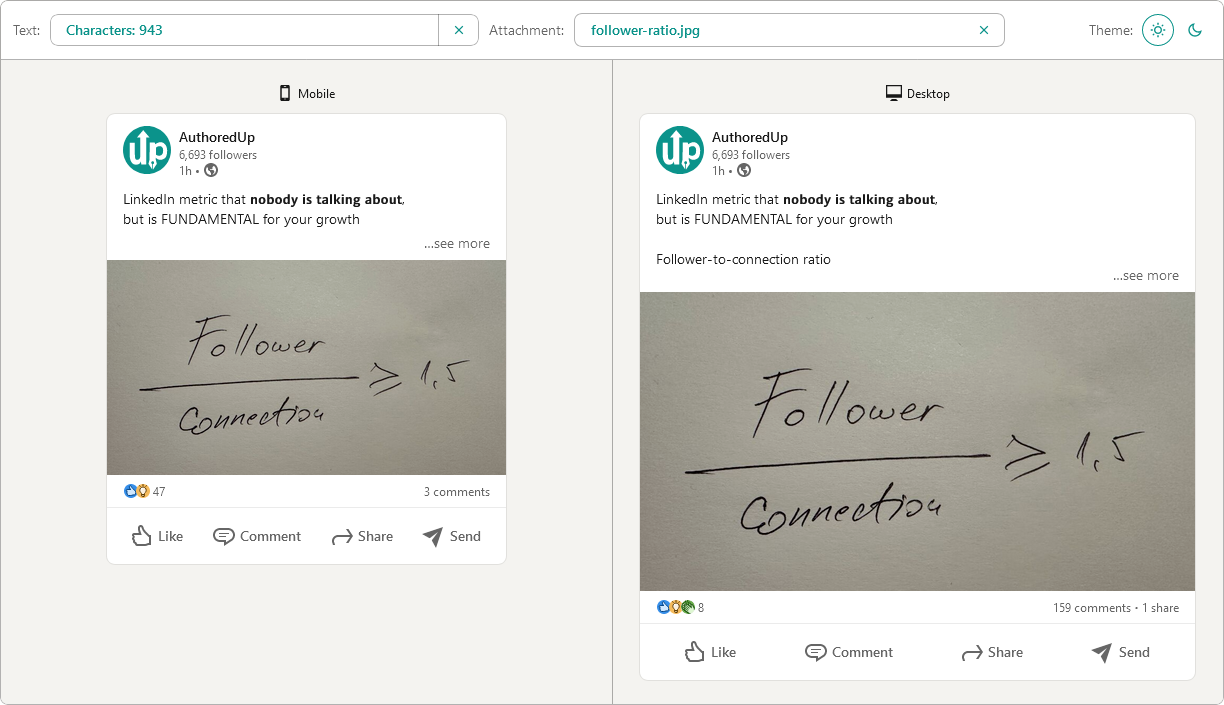
Post preview generator
Paste the text, choose the post type and see how it will look on desktop and mobile screen.


Text staircase tool
Free tool to help you reorder your LinkedIn content, and stand out in the feed.
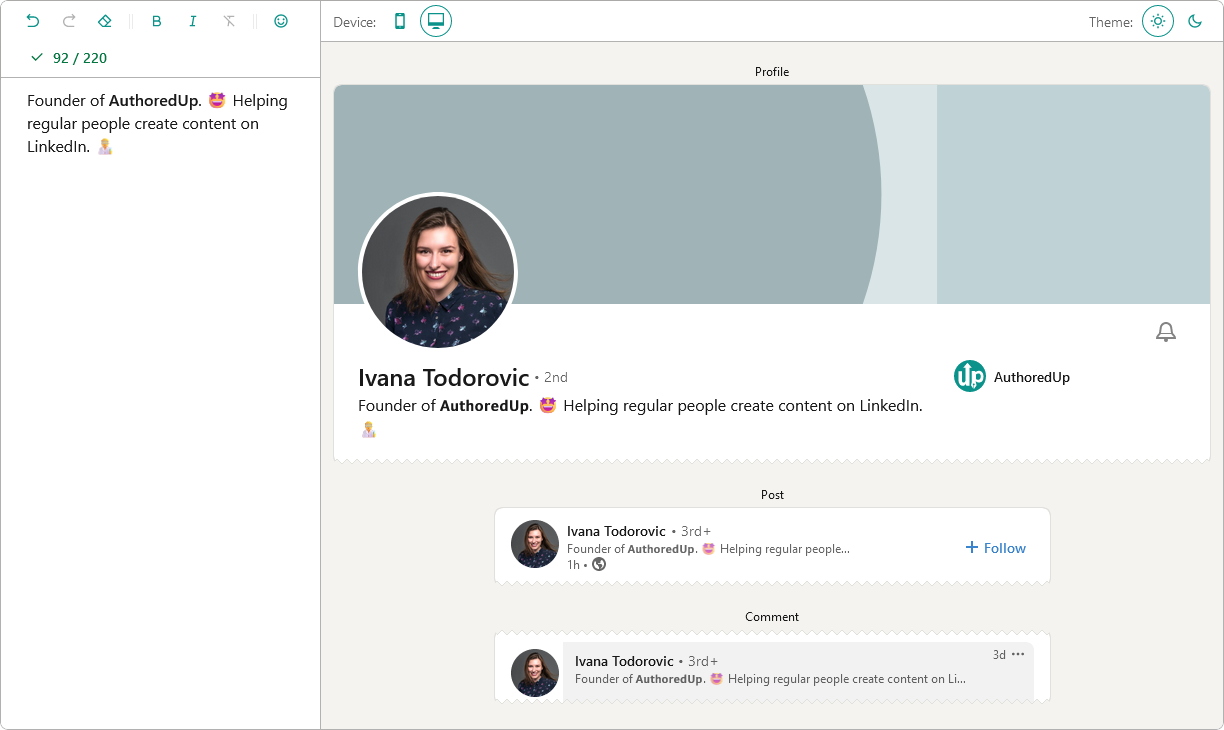
LinkedIn headline writer
Optimize your LinkedIn headline to stand out in the feed. Turn lurkers into visitors, and visitors into leads.
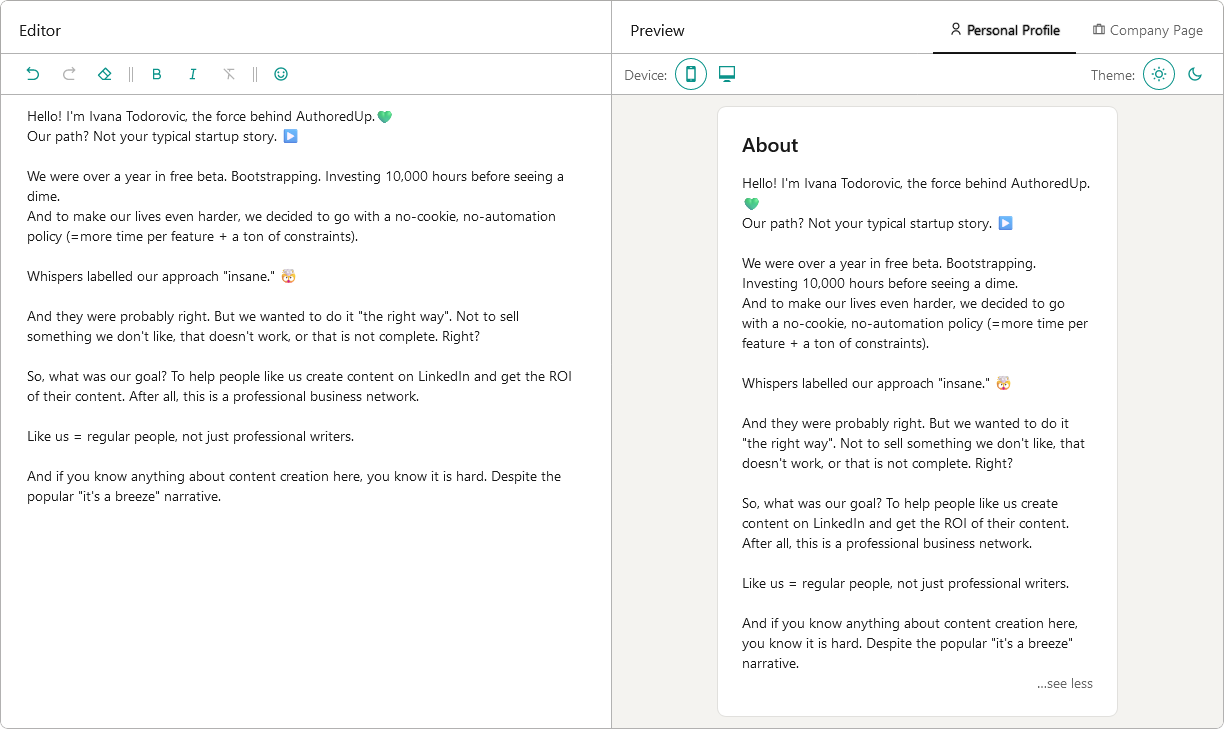
About me writer tool
Free tool to write, edit and preview About me section and Company page description on LinkedIn™.
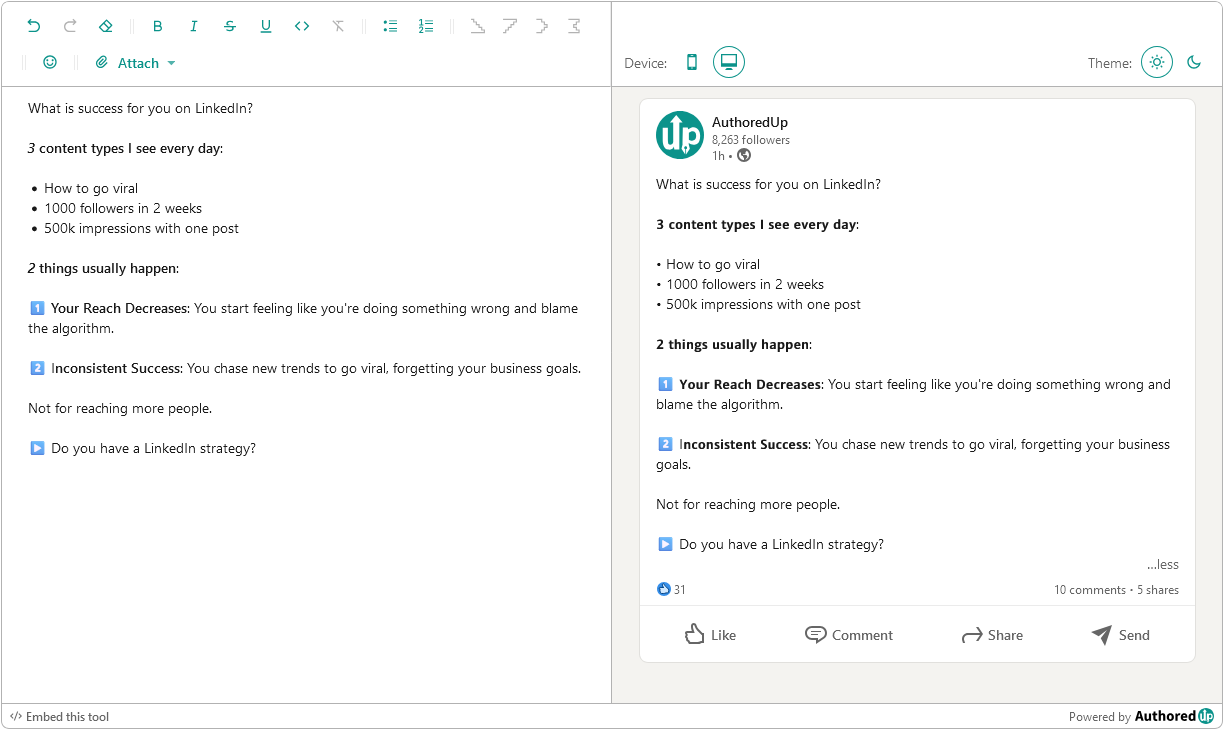
LinkedIn Text Formatter
Transform your posts using various formatting styles like bold, italic, bullet points, and numbered lists with this free tool.
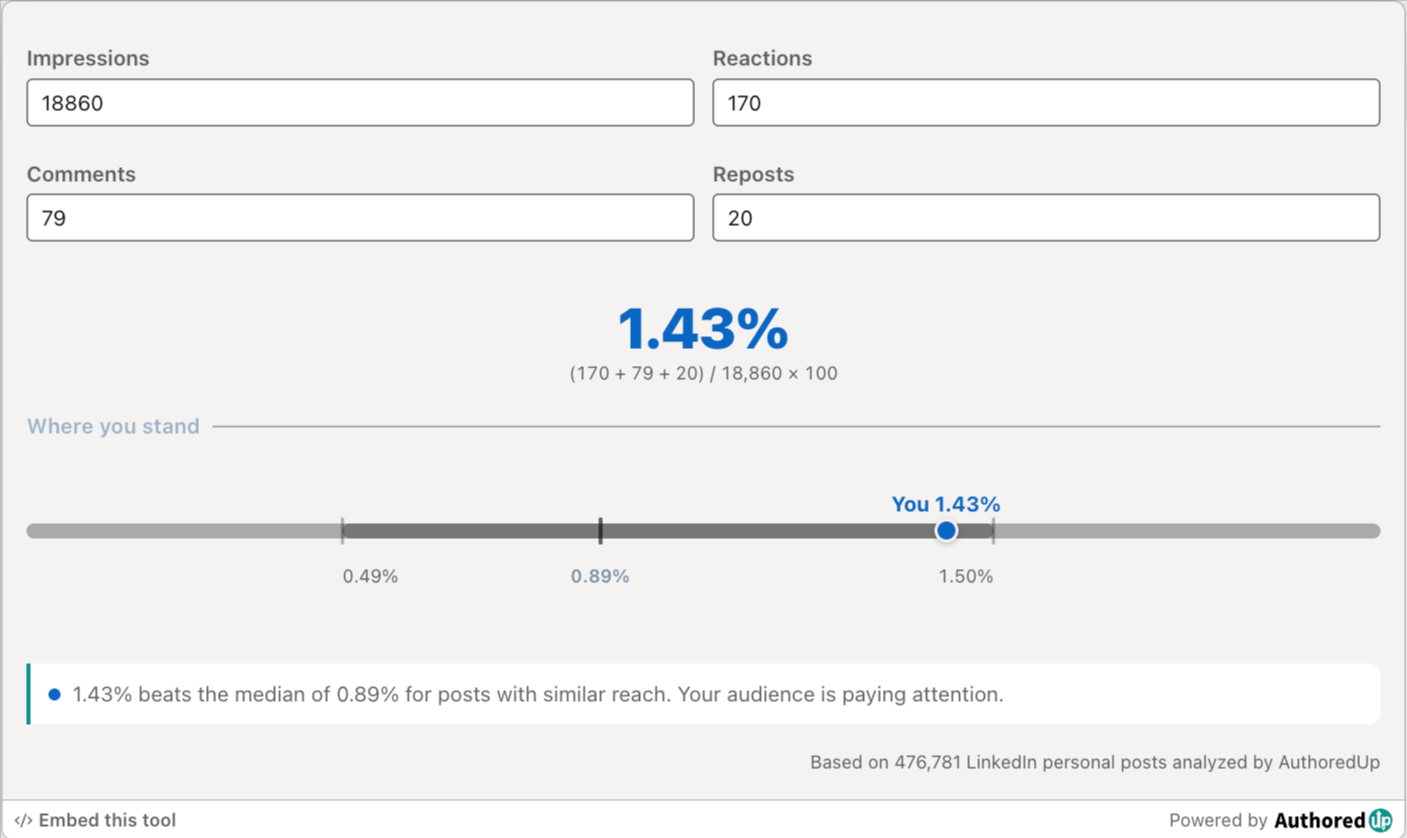
LinkedIn engagement rate calculator
Enter your post stats and see your LinkedIn engagement rate, plus how it compares to real benchmarks.
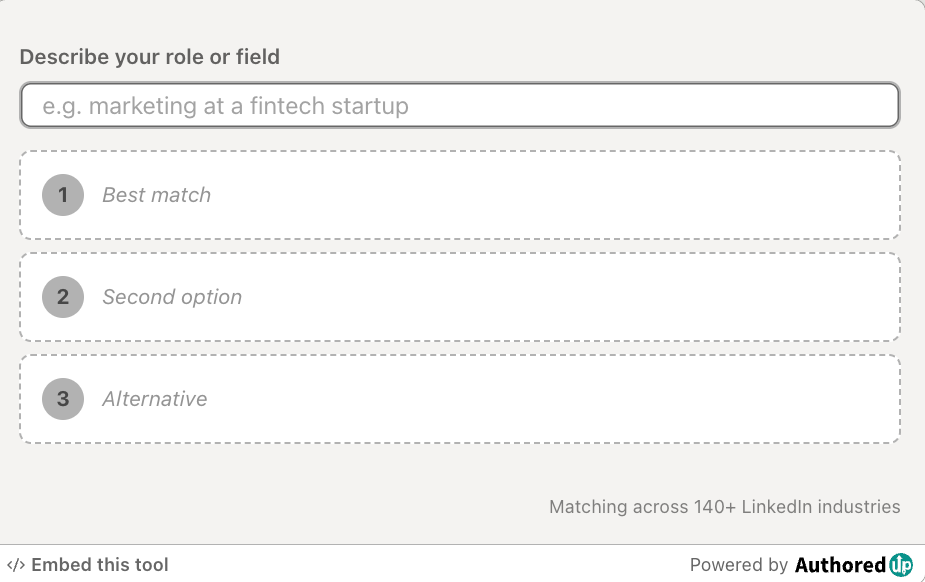
LinkedIn industry finder
Describe what you do and find the right LinkedIn industry for your profile from the official list of 289 options.
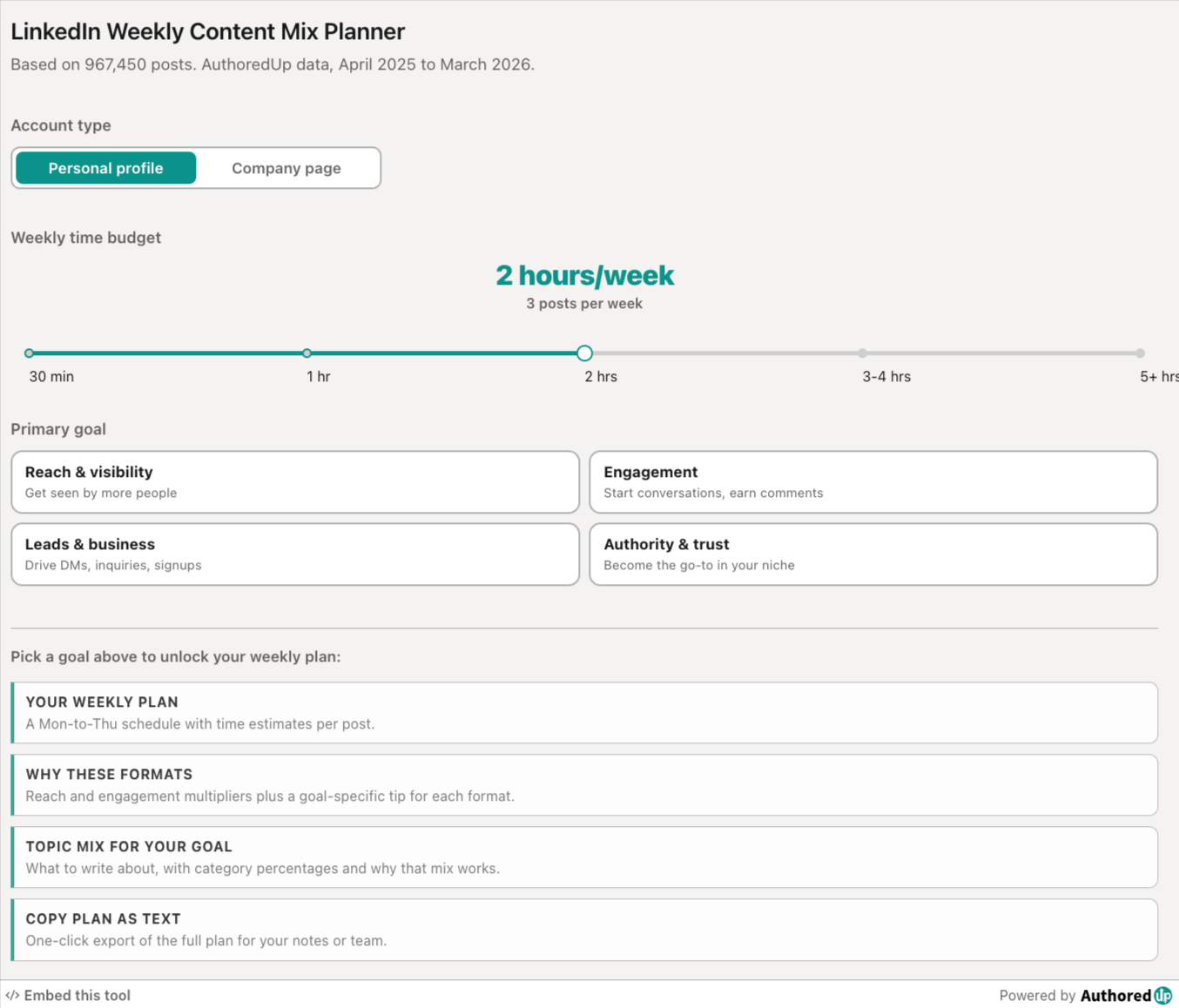
LinkedIn weekly content mix planner
Pick your goal and time budget, get a weekly LinkedIn posting plan with the right format and topic mix.
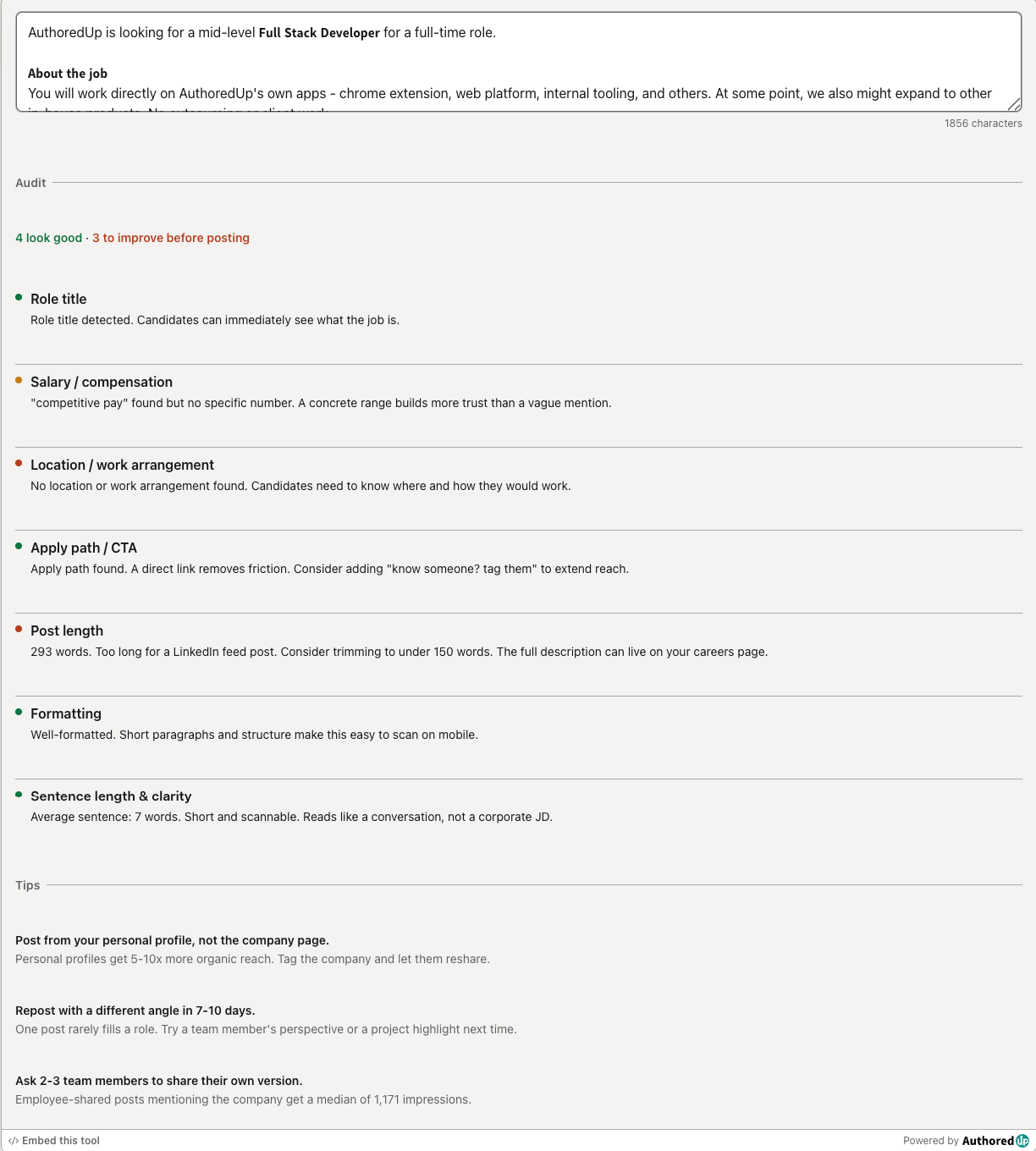
LinkedIn hiring post audit
Paste your LinkedIn hiring post and score it across the 7 elements that drive more applications.
LinkedIn Image Size Checker
Drop in an image or type its dimensions to check it against LinkedIn's real specs for posts, banners and covers.
Create your account today
Create and analyze your LinkedIn™ content in clicks, not hours.
100% secure. No automation. No cookies.