


.svg)

.png)
Sprout Social is a genuinely strong social media management platform. Multi-network publishing, a shared inbox, social listening, and client reporting all sit in one place, and the analytics are among the best in the category. For a marketing team running four or five networks at once, it earns its price.
That said, Sprout has areas where other tools fit specific needs better.
Pricing is per seat: $79/month on annual billing, $99 if you pay monthly, then $199 for Standard, $299 for Professional, and $399 for Advanced.
A five-person team on Standard runs to roughly $12,000 a year before anyone publishes anything.
The $79 Essentials tier caps you at 5 social profiles and leaves out much of what people buy Sprout for. And depth on any single network stays shallow, because breadth is the design goal.
Quick Overview: All 8 Alternatives Compared
Do You Actually Need a Full Suite?
Before comparing features, it helps to know what the tool does not change.
We looked at roughly 301,000 LinkedIn posts from personal profiles between December 2025 and May 2026 to see whether publishing through a scheduler costs you performance. It doesn't. Engagement rate came out a dead heat against hand-published posts in every format we measured.
Images and text-only posts came out marginally ahead when scheduled. Polls tied exactly. Impressions move in both directions, and our read is that this reflects what people choose to schedule rather than a penalty: polls need someone present to answer replies, and text-only posts tend to be the in-the-moment ones, which ties back to how often you post and who's around to answer.
So none of the tools below will make your content perform better than another one. What separates them is coverage: how many networks, how many seats, and whether you need an inbox and approvals on top of a calendar. Buy the coverage you use. If scheduling is the only job you need done, our roundup of LinkedIn scheduling tools is the narrower comparison.
1. Hootsuite: Best for Teams Replacing Sprout Like-for-Like

Hootsuite is the closest shape to Sprout on this list. Same category, same breadth, lower entry price. If you're leaving on cost rather than fit, this is the switch that changes least about how your team works.
Why choose over Sprout Social: roughly half the entry price for a comparable feature set, with unlimited social accounts from the Professional tier rather than a 5-profile cap.
Key Features
- Multi-network publishing across all major platforms
- Social listening and brand monitoring on higher tiers
- Unified inbox for comments and messages
- Team assignment and approval workflows
- Analytics with customisable reporting
Pricing
Annual billing, per its pricing-page FAQ. No free plan.
Trade-offs vs Sprout Social
- Entry tier still costs more than most small teams need
- Listening features sit behind the higher tiers, same as Sprout
- Reporting is capable but widely described as less polished than Sprout's
For teams running an advocacy programme rather than a brand account, LinkedIn employee advocacy is the workflow to price against, and how to schedule your LinkedIn posts covers the native option.
We put the two side by side in Sprout Social vs Hootsuite.
2. Agorapulse: Best for Unified Inbox and Engagement
.png)
Agorapulse is built around the inbox rather than the calendar. If your day is answering comments and DMs across several networks, this covers Sprout's engagement side at roughly half the entry price.
Why choose over Sprout Social: the same unified-inbox workflow, with a published annual rate of $79/month against Sprout's $199 Standard seat.
Key Features
- Unified inbox for comments, mentions, and messages
- Social listening and sentiment tracking
- Team assignment with internal notes on conversations
- Scheduling with queue categories
- ROI and competitor reporting
Pricing
All tiers cover 10 profiles. We checked both billing toggles: the annual saving on Standard is real, $948 a year against $1,188 monthly.
Trade-offs vs Sprout Social
- Still priced per user, so the seat math that pushed you off Sprout applies here too
- No free plan
- Publishing features are solid but less deep than the inbox side
3. SocialPilot: Best Budget Suite
.png)
Of everything here, SocialPilot is the closest to Sprout's feature shape at the lowest entry price. Publishing, analytics, and client management, without the enterprise listening layer.
Why choose over Sprout Social: $20/month against $79, for a tool that covers the same core jobs for small teams and agencies.
Key Features
- Publishing and bulk scheduling across all major networks
- Client management with white-label reporting
- Content calendar with team collaboration
- Analytics per account and per post
- First comment scheduling on paid plans
Pricing
14-day trial, no card required. When we checked in July the entry tier was already $20, and it held at $20 in August, which makes it the most stable price on this list.
Trade-offs vs Sprout Social
- No social listening
- Analytics are functional rather than deep
- Single user on the entry tier
4. Buffer: Best for Per-Channel Pricing
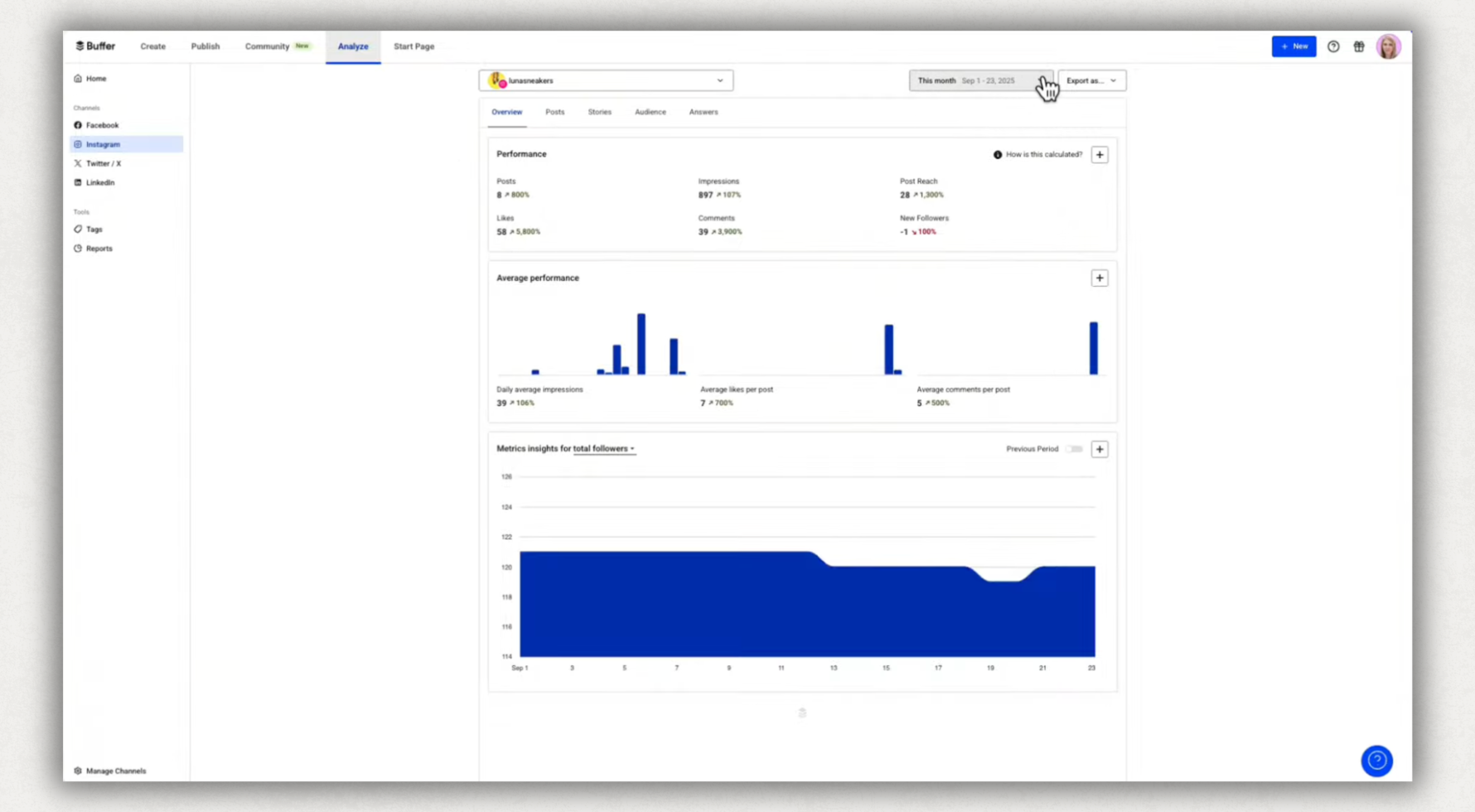
Buffer charges per channel rather than per seat, which changes the arithmetic completely for small teams. A channel is one social account: one LinkedIn page, one Instagram profile.
Why choose over Sprout Social: three networks on the Team plan costs $30/month for your whole team, against $199 per seat on Sprout Standard.
Key Features
- Publishing queue with per-channel scheduling
- Free plan covering 3 channels
- Unlimited team members on the Team plan
- Basic analytics and an AI assistant
- Ideas board for drafting
Pricing
One thing we confirmed on the pricing page rather than assuming: the free plan's 10 queued posts per channel refill as posts publish, so it's a rolling cap and not 10 posts total.
Trade-offs vs Sprout Social
- No social inbox, listening, or approval workflows
- Analytics are shallow next to Sprout's
- Costs climb once your channel count gets large
If LinkedIn is one of those channels, note that formatting and preview stay basic; that's the gap a LinkedIn Chrome extension fills.
5. Zoho Social: Best Free Plan
.png)
Zoho Social has the most generous free tier on this list: 1 brand across 6 channels with 1 team member, permanently.
Why choose over Sprout Social: a free plan that includes both a LinkedIn company page and a LinkedIn profile, which most free tiers get wrong by supporting only one.
Key Features
- Free plan covering X, Instagram, Facebook, LinkedIn page, LinkedIn profile, and Google Business Profile
- Scheduling with a best-time predictor
- Monitoring dashboard with keyword tracking
- Integrates with the wider Zoho suite
Pricing
Paid-tier prices render via JavaScript and we couldn't read them cleanly, so we aren't quoting numbers we didn't verify.
Trade-offs vs Sprout Social
- Free tier is a single user and a single brand
- Reporting is lighter than any paid suite here
- Most useful if you already run other Zoho products
6. AuthoredUp: Best for LinkedIn-First Teams
.png)
Everything above spreads across networks. This one doesn't, and that's the trade. If LinkedIn is where your results actually come from, the depth is the point.
Why choose over Sprout Social: $19.95 per profile against $79 per seat, with company pages included free and unlimited, and analytics that reach back years instead of starting at signup.
Key Features
- Write and format inside LinkedIn through a Chrome extension: bold, italics, bullets, emojis
- Post preview showing exactly how the post renders before publishing
- Hooks library (200+) and CTA templates (150+)
- Analytics with LinkedIn archive import via GDPR data export
- Company pages free and unlimited on every plan, which matters if you run a LinkedIn company page alongside a personal profile
Pricing
Trade-offs vs Sprout Social
- LinkedIn only, with no multi-network publishing
- No social inbox and no listening
- Scheduling requires the Chrome extension rather than the web platform
If you're weighing the two for a LinkedIn-first team, we go through it properly in how AuthoredUp compares to Sprout Social for LinkedIn employee advocacy.
7. SocialBee: Best for Evergreen Content Recycling
.png)
SocialBee sorts content into categories and recirculates them on a schedule. If you have evergreen material worth republishing, that's a workflow the others here don't have.
Why choose over Sprout Social: category-based queues that keep older posts in rotation automatically, at $29/month against $79.
Key Features
- Category-based content queues with automatic recycling
- Posting across all major networks
- AI content generation and variations
- Workspaces for managing multiple brands
- Analytics per category
Pricing
14-day trial, no card required. Reading the pricing page closely, the per-workspace user caps tighten the value: Bootstrap and Accelerate are single-user, and only Pro gets you three.
Trade-offs vs Sprout Social
- No social inbox or listening
- Single user until the $99 tier
- Recycling suits evergreen content and works poorly for timely posts
If recycling is what you're after, how to repurpose content for LinkedIn covers doing it without a tool.
8. Planable: Best for Client Approval Workflows
.png)
Planable prices per workspace with unlimited users. If your bottleneck is getting a client or a legal team to sign off, you aren't paying per approver.
Why choose over Sprout Social: unlimited users on every plan, so approval-heavy teams escape per-seat billing entirely.
Key Features
- Post-level comments and multi-stage approvals
- Unlimited users on all plans
- Preview showing posts exactly as they'll appear per network (for LinkedIn alone, our free post preview generator does the same job)
- Workspaces per client or brand
- First comment scheduling on all plans
Pricing
Two things to read carefully. Analytics is a paid add-on at $12 to $14 per workspace per month depending on billing, and the social inbox is another $7.50 to $9. The pricing page also defaults to the annual toggle, so the first number you see is not the monthly rate.
Trade-offs vs Sprout Social
- Analytics and inbox both cost extra
- The "free" plan is 50 posts total, an untimed trial rather than a free tier
- Only 4 social pages on Basic
Which Sprout Social Alternative Is Right for You?
If you're coming from a head-to-head comparison, we also cover SocialReport vs SproutSocial and Publer vs Hootsuite.
Match that against what you actually publish. Our data on what performs best on LinkedIn is worth reading before paying for a tool built around formats you don't use.
Frequently Asked Questions
Who are Sprout Social's main competitors?
Hootsuite and Agorapulse compete most directly on features and enterprise scale. Buffer, SocialPilot, SocialBee, and Zoho Social compete on price. Planable competes on collaboration and approvals. For LinkedIn specifically the comparison set is narrower, and we cover it in the best LinkedIn tools.
What are the downsides of Sprout Social?
Per-seat pricing is the main one. At $199 per seat on Standard, cost scales with headcount rather than usage, so teams pay for people who log in occasionally. The $79 Essentials tier caps you at 5 social profiles and omits much of what people buy Sprout for. Depth on any single network is also shallower than a dedicated tool, because breadth is the design goal. For LinkedIn reporting specifically, compare it against dedicated LinkedIn analytics tools.
Is there a free version of Sprout Social?
No. Sprout offers a free trial, but there's no permanently free tier. Among the alternatives here, Buffer and Zoho Social have genuine free plans. Planable's "free" is 50 posts total with no time limit, which is an untimed trial rather than a free plan.
What are some free apps similar to Sprout?
Buffer's free plan covers 3 channels with 10 queued posts each. Zoho Social's free tier covers 1 brand across 6 channels for a single user. LinkedIn's own scheduler is free and unlimited if LinkedIn is all you need, and LinkedIn's help docs cover the window and limits. We compared the free options in free LinkedIn scheduling tools.
Is Sprout Social worth the investment?
It is if you use the breadth: several networks, a shared inbox, listening, and client reporting in one place. It stops being worth it when you're paying $199 a seat and using the publishing calendar. Count the features you opened last month, then read the pricing page again.
Do scheduled posts get less reach on LinkedIn?
No. Across ~301,000 posts, engagement rate was effectively identical between scheduled and manually published content in every format. Reach differences track timing and early engagement, not the publishing method. More on what actually moves LinkedIn post engagement.
Read More
• Explore the strengths and trade-offs between SocialReport and SproutSocial to find which platform is better suited for your business needs.
• Discover the differences between Publer and Hootsuite to choose the right tool for your team.
• Find out everything you need to know about LinkedIn engagement and how to boost it.
.svg)
.png)

.svg)
.png)
.png)
