


LinkedIn Post Character
Counter & Length Checker
Paste your post to count it against LinkedIn's 3,000-character limit. Then check your length against the engagement data from 709,195 real LinkedIn posts.
Go beyond the count and see
what your length is actually doing
.svg)
Frequently asked questions
What is AuthoredUp?
AuthoredUp is an all-in-one app for content creation on LinkedIn, available as a Chrome extension and web platform. It is crafted for everyone eager to sharpen their personal brand, not just professional copywriters. And the best thing, it is not taking a cookie or doing automation on LinkedIn.
AuthoredUp supports both personal profiles and company pages. Interested? Sign up here and begin with a 14-day free trial, no credit card necessary.
How to use this LinkedIn character counter?
Using the LinkedIn Character Counter is straightforward and intuitive. Start by typing or pasting your post, and the counter updates as you write, showing characters against the 3,000-character limit along with words, sentences, paragraphs and reading time. Pick your post format to see the length that performs best for it, and if you're writing a poll, the question and option fields appear with their own limits.
How long should a LinkedIn post be?
There is no single best length. When every post is compared to what its own author normally gets, rather than to the crowd, the gaps between length brackets almost close: every reliable bracket lands between 85.6 and 107.5 on the creator-neutral reach index, where 100 is a typical post by the same creator.
One rule holds. Text-only posts under 400 characters score 85.6, the weakest bracket in the whole set and about 14% below their authors' own normal reach. Text on its own needs room to work. It peaks at 1,200 to 1,500 characters, roughly 7% above baseline.
Every other format is flatter than that. Image posts do best around 800 to 1,000 characters, video captions around 1,000 to 1,200, carousel captions around 800 to 1,000, poll text around 400 to 600. In each case the gain is 3 to 5%, so treat it as a nudge rather than a rule. Based on 709,195 posts from personal profiles, July 2025 to June 2026.
What is the character limit for a LinkedIn post?
The limit is 3,000 characters for the post body, and it's the same whatever you attach: text, image, document, video, or poll. Polls add two more limits: 140 characters for the question and 30 for each answer option. Go over 3,000 and LinkedIn™ won't publish the post.
Every other limit on LinkedIn™, including headlines, About sections, comments and messages, is listed in our LinkedIn character limits guide.
Why do longer LinkedIn posts look better in raw numbers?
Because of who writes them. Long posts come disproportionately from a small number of large accounts, so a raw median for the longest bracket is partly measuring those accounts rather than the length. Among text-only posts, 12.5% of everything in the 2,600 to 3,000 bracket comes from just ten creators, against 3.4% in the 1,200 to 1,500 bracket.
Read raw, text posts of 2,600 to 3,000 characters look like a clear win at 1.41x the reach of the median text post. Compare each one to its own author's usual reach and that same bracket scores 97.4, slightly below the author's own baseline. The length was never doing the work.
How many words and paragraphs should a LinkedIn post have?
Fewer than the raw numbers suggest. On the creator-neutral index, text-only posts peak at 200 to 300 words (104.8), and posts of 400 words or more fall back to their authors' ordinary level (99.7). Image posts peak at 100 to 200 words, video captions at 200 to 300.
Paragraph counts behave the same way. Text posts do best at 16 to 20 paragraphs (105.7) and give the gain back above 20. Image posts peak at 6 to 10 and drop slightly below their authors' baseline past 20 paragraphs. Splitting a post into more and more lines stops paying somewhere in the middle instead of continuing to help.
Is this tool free?
Absolutely, it's 100% free to use! There's no need to sign up, so you can start checking your posts right away without hidden costs. Your text stays in your browser, and the drafts the tool remembers are stored on your own device.
What is the best length for a LinkedIn carousel or image post?
Both peak around 800 to 1,000 characters, and the effect is small: carousel captions score 104.1 on the creator-neutral index, image captions 105.2, where 100 is a typical post by the same creator. Above 1,000 characters both formats sit flat at baseline all the way to 3,000. Raw medians say something different, and they are why the usual advice is to write long. Carousel captions of 2,200 to 2,600 characters carry the highest raw median reach in the format, but 13.6% of those posts come from ten creators, against 4.5% in the 800 to 1,000 bracket. Compare creator for creator and the advantage disappears.
Other free tools
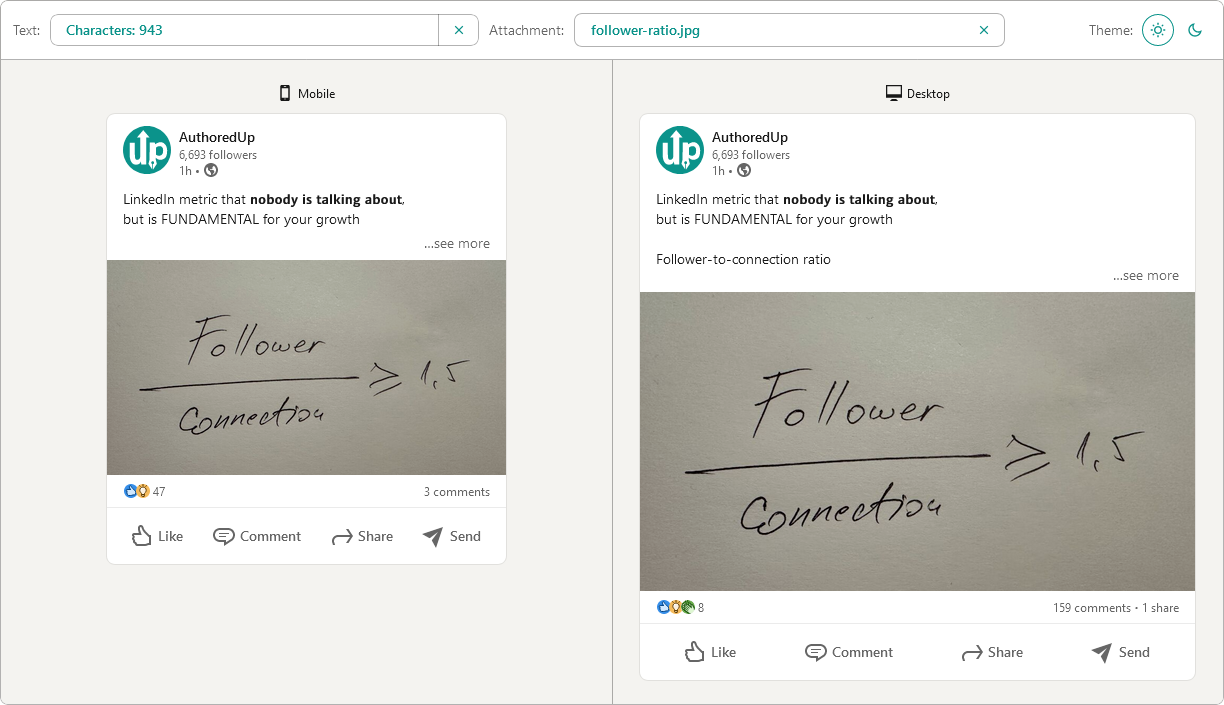
Post preview generator
Paste the text, choose the post type and see how it will look on desktop and mobile screen.


Text staircase tool
Free tool to help you reorder your LinkedIn content, and stand out in the feed.
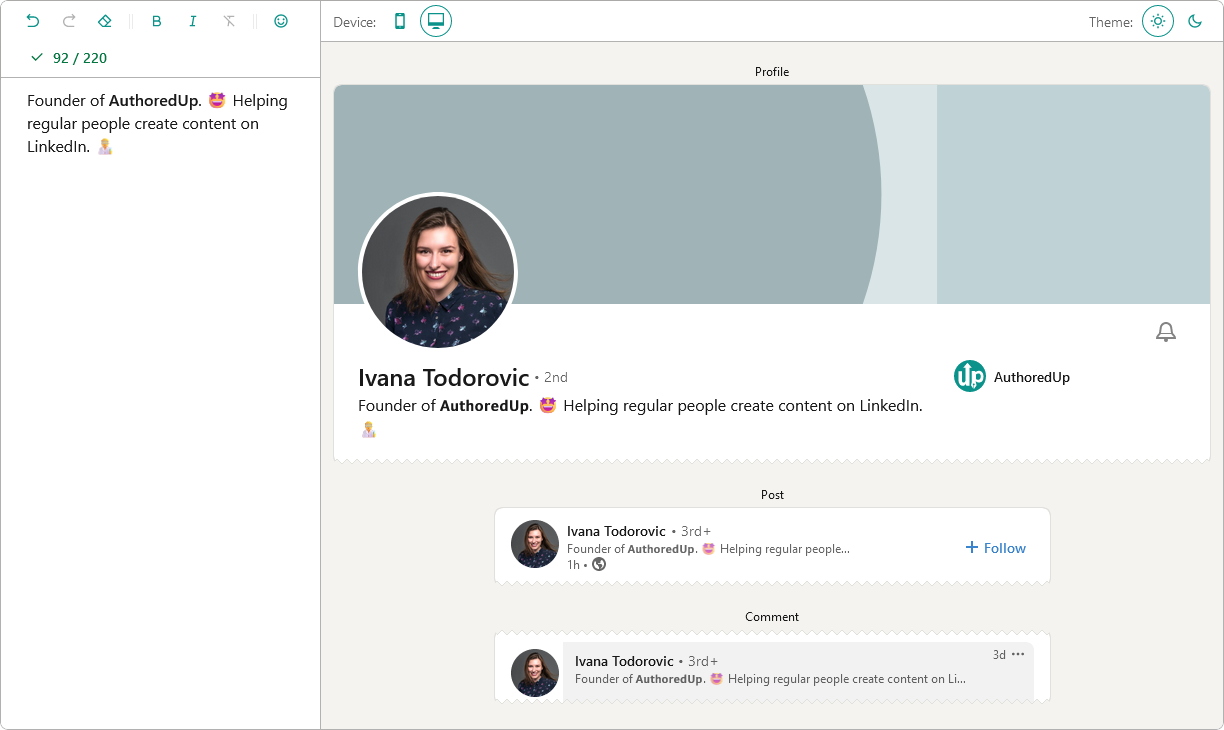
LinkedIn headline writer
Optimize your LinkedIn headline to stand out in the feed. Turn lurkers into visitors, and visitors into leads.
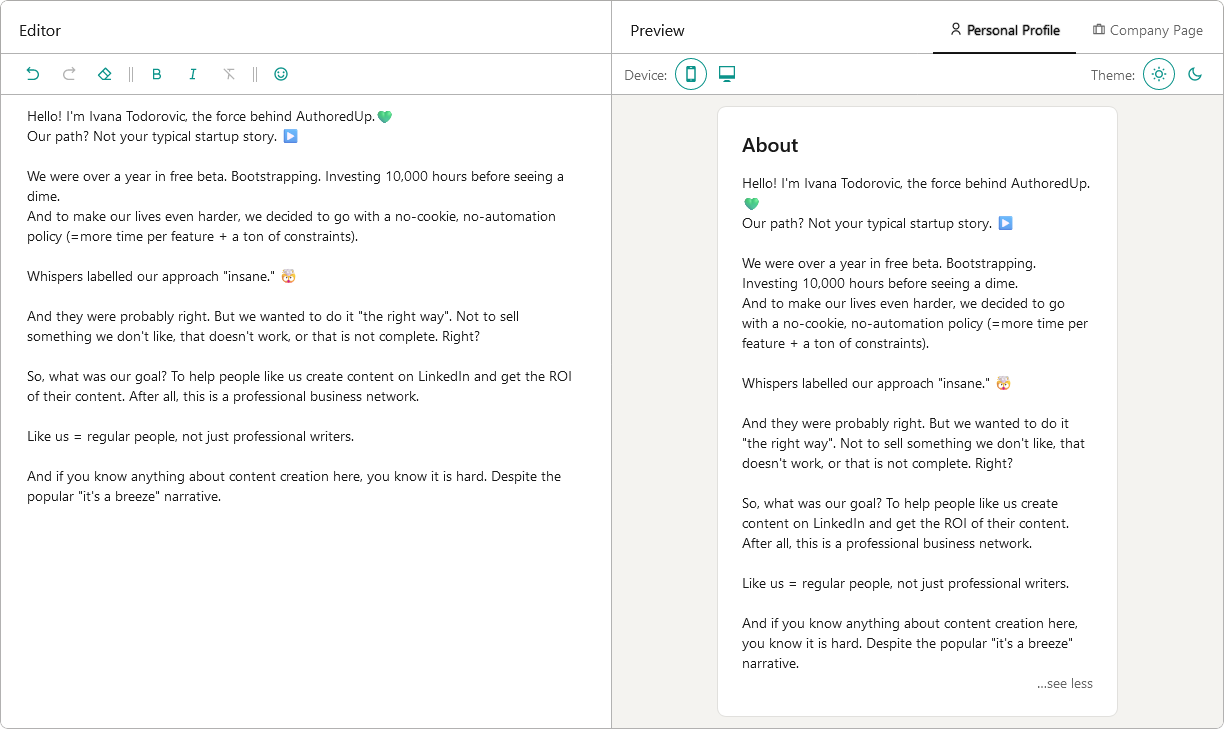
About me writer tool
Free tool to write, edit and preview About me section and Company page description on LinkedIn™.
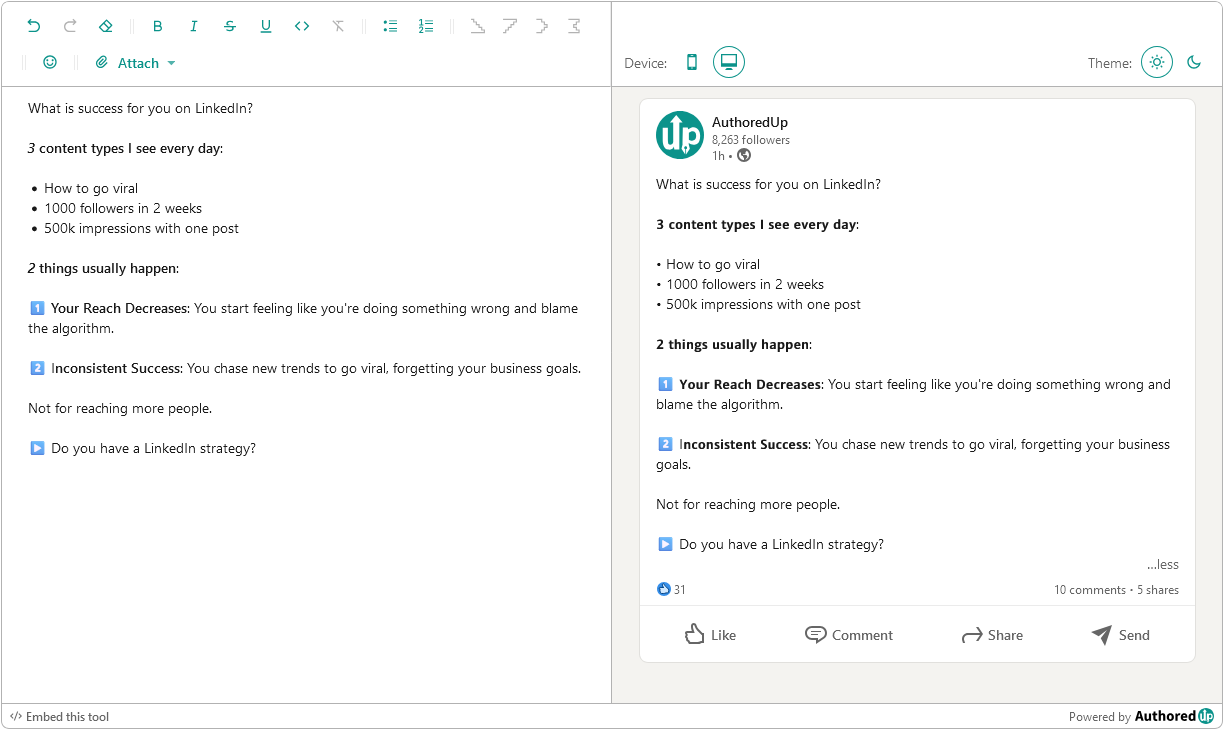
LinkedIn Text Formatter
Transform your posts using various formatting styles like bold, italic, bullet points, and numbered lists with this free tool.
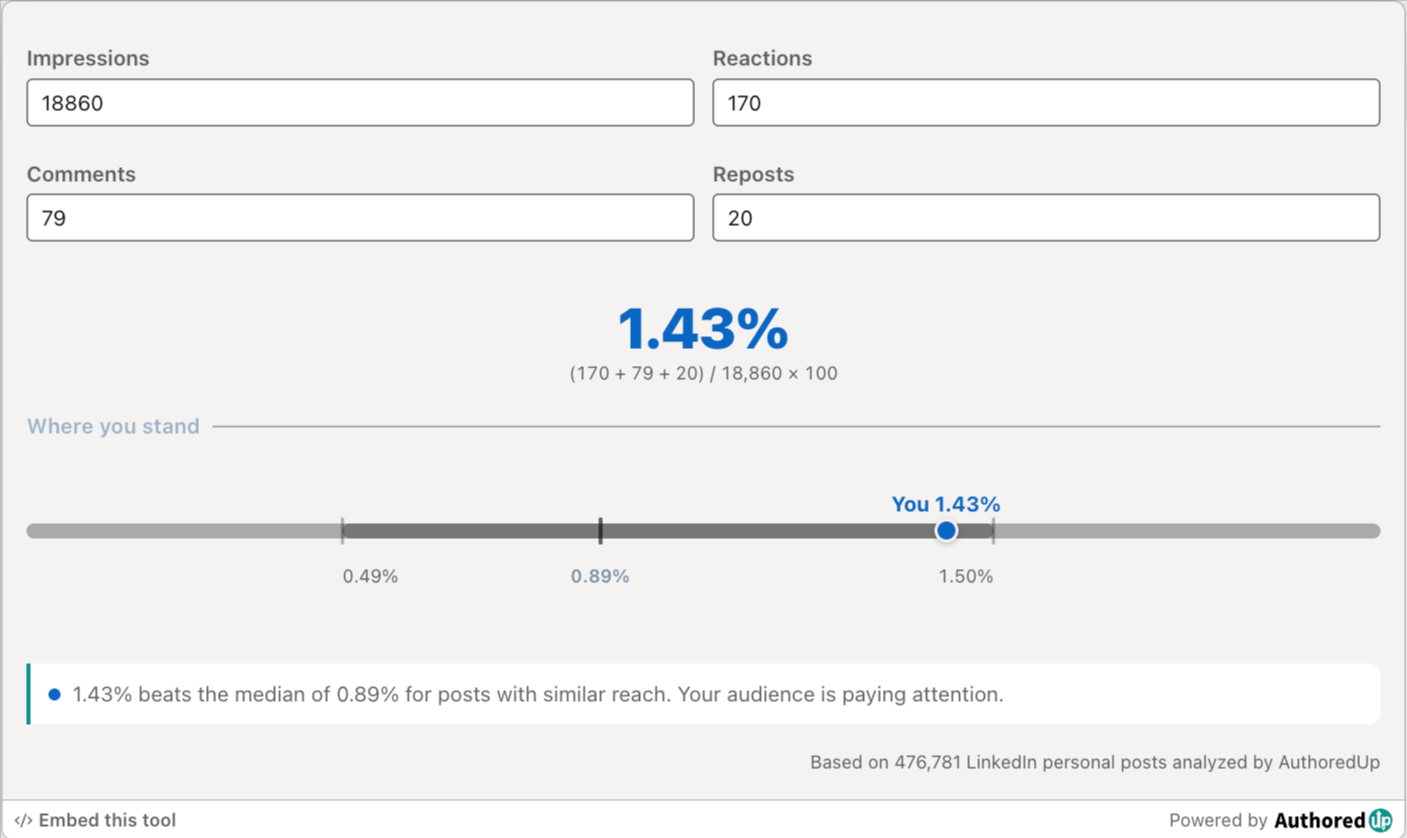
LinkedIn engagement rate calculator
Enter your post stats and see your LinkedIn engagement rate, plus how it compares to real benchmarks.
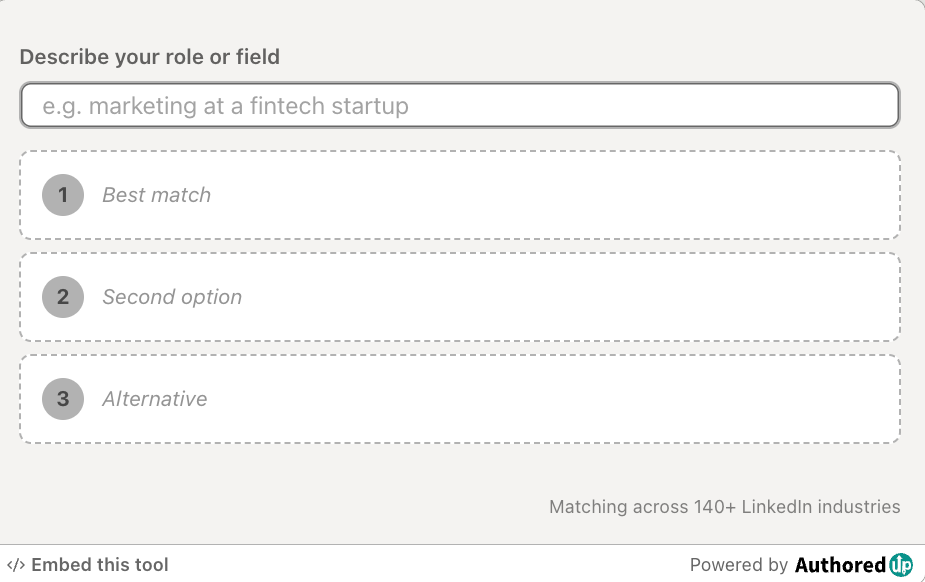
LinkedIn industry finder
Describe what you do and find the right LinkedIn industry for your profile from the official list of 289 options.
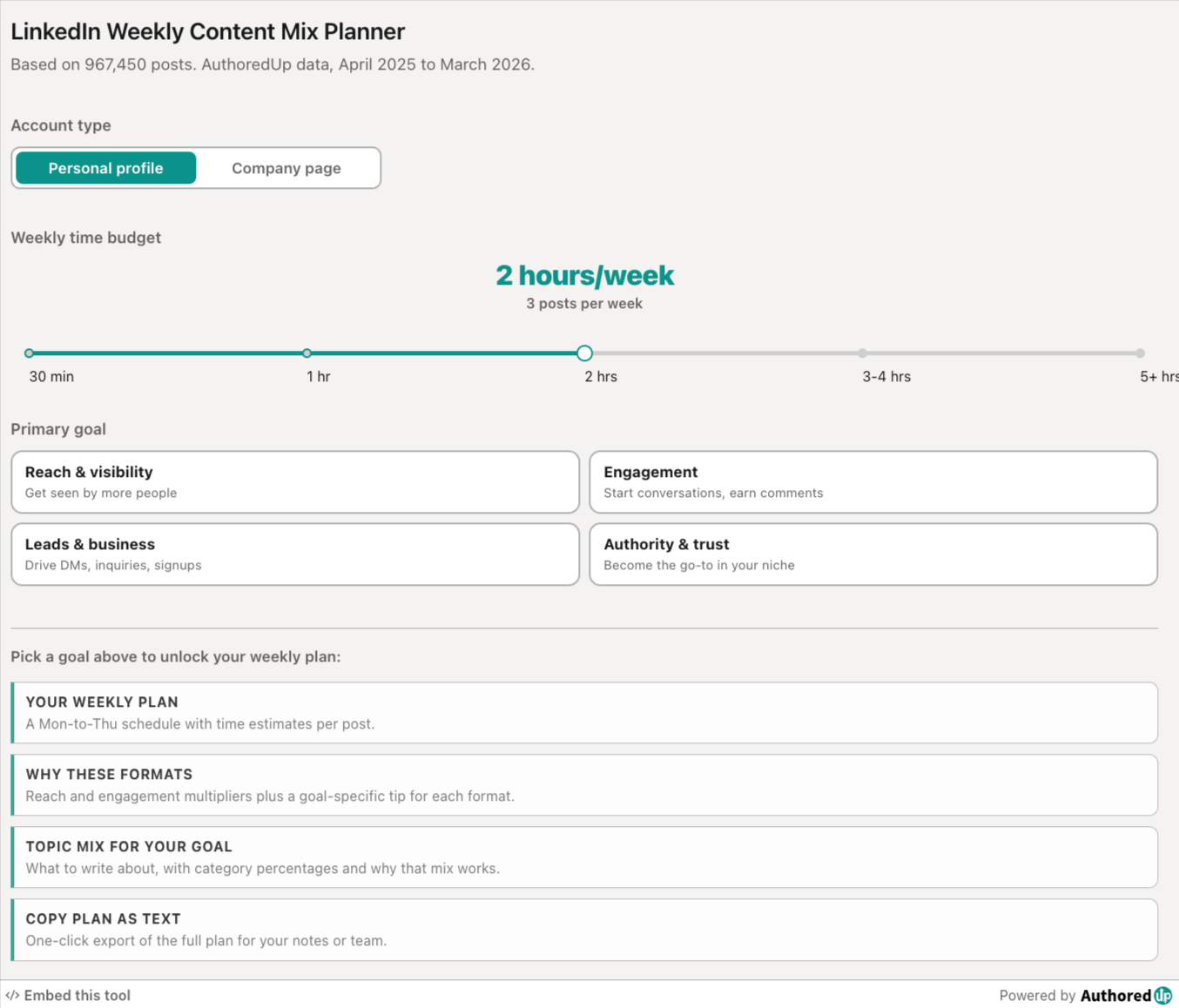
LinkedIn weekly content mix planner
Pick your goal and time budget, get a weekly LinkedIn posting plan with the right format and topic mix.
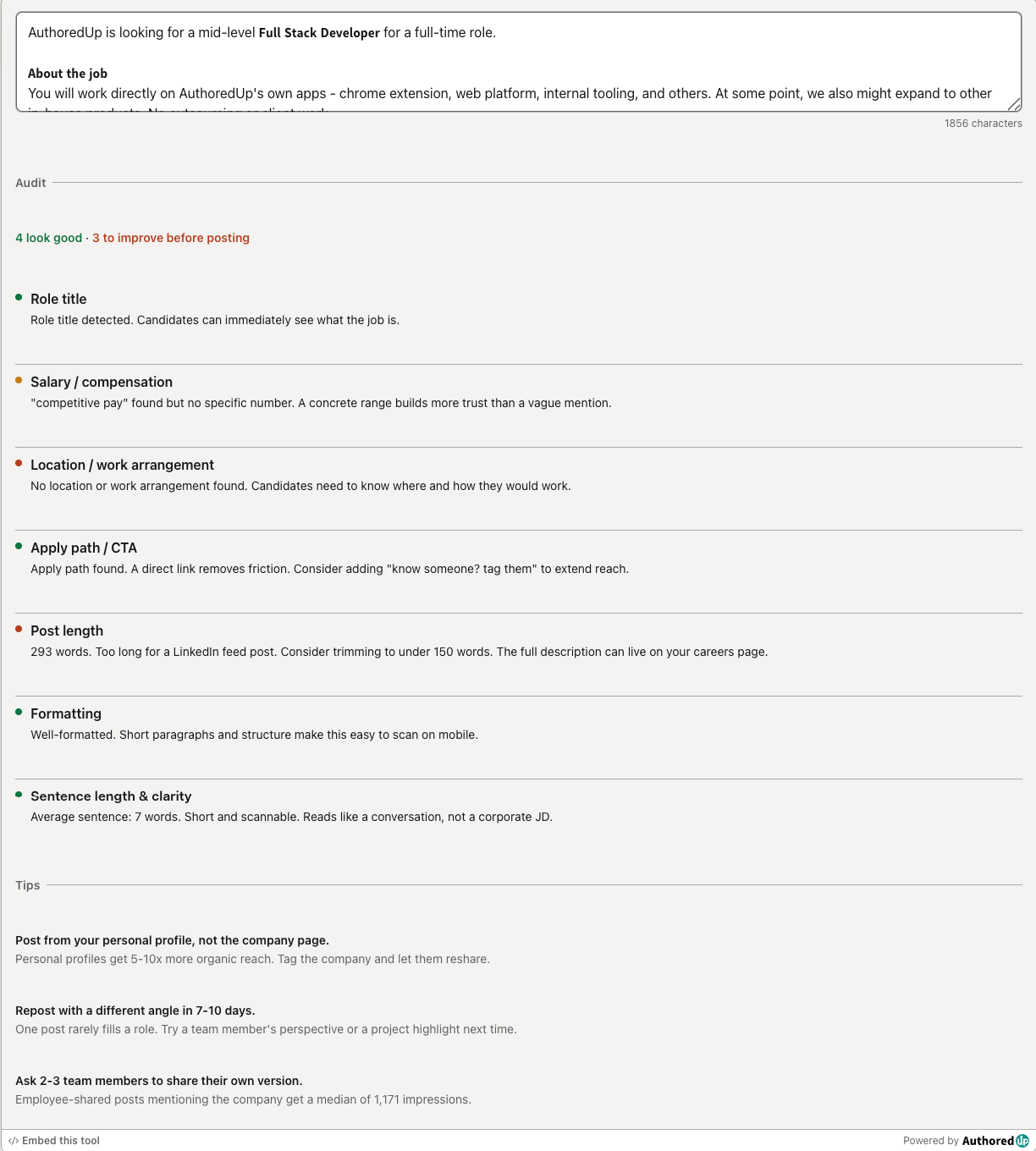
LinkedIn hiring post audit
Paste your LinkedIn hiring post and score it across the 7 elements that drive more applications.
LinkedIn Image Size Checker
Drop in an image or type its dimensions to check it against LinkedIn's real specs for posts, banners and covers.
Create your account today
Create and analyze your LinkedIn™ content in clicks, not hours.
100% secure. No automation. No cookies.